Are you looking for the best Instagram video editing apps to level up your Instagram game? Well, you’re in the right place!
Whether you’re looking to create professional Instagram Stories or awesome Instagram Reels - you can do it all from your iPhone/iPad or Android device.
In this review, we’ll run through our top picks for the BEST Instagram Video Editing apps that you can use to create high quality videos. You’ll learn everything you need to know to decide which is the right option for you.
Let’s get started.
Our Instagram Video Editing Apps Shortlist
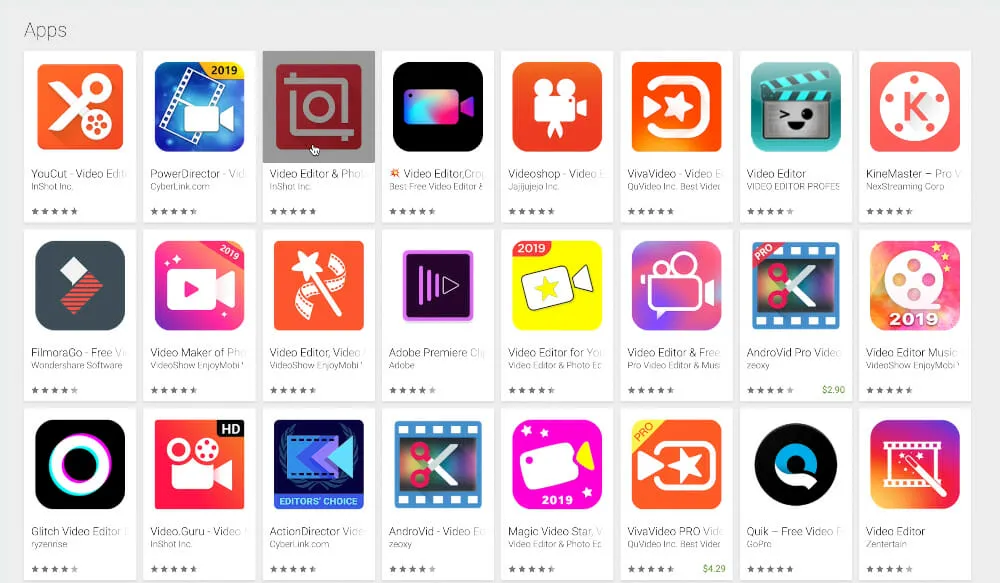
As you know, there are a ton of tools out there when it comes to creating Instagram videos! There’s WeVideo, Filmora, Kinemaster, Quik, Adobe Rush, Powerdirector, InShot, LumaFusion, Videoleap, Cute Cut, VLLO, the list goes on!
After all the usual testing, we narrowed it down to a shortlist of just FOUR Instagram video editing apps:
- InShot
- VLLO
- Adobe Rush
- LumaFusion
Hang around to the end to find out what we think is the BEST Instagram video editing app right now.
Let’s get started.
Instagram Video Editing App #1: InShot
InShot is incredibly simple to use and easy for beginners to jump into. It’s probably the easiest app to help you edit Instagram videos on this shortlist, so even if you’ve never edited before you’ll be able to get up to speed really easily.
Having said that, it’s also probably the most basic video editor on our list. But that doesn’t mean you can’t get great results using it!
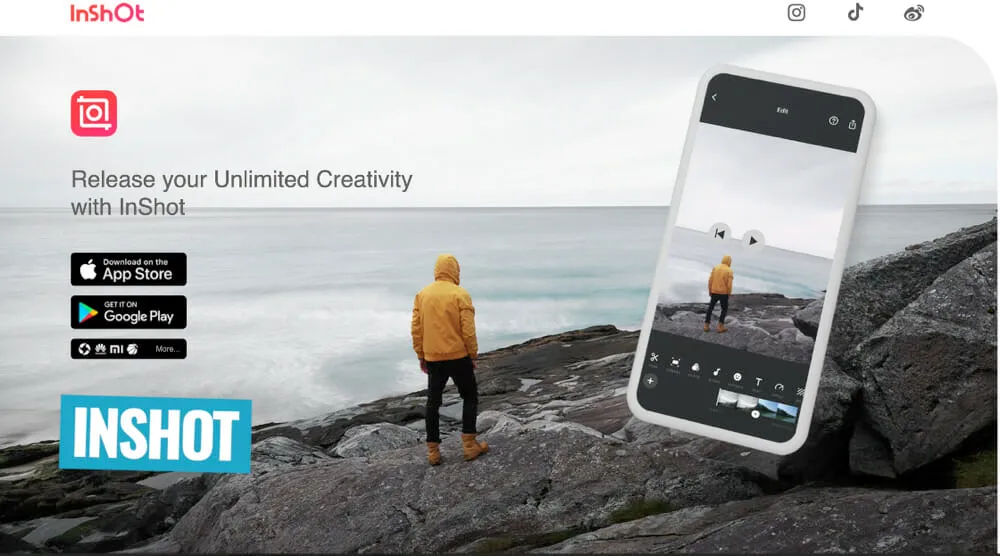
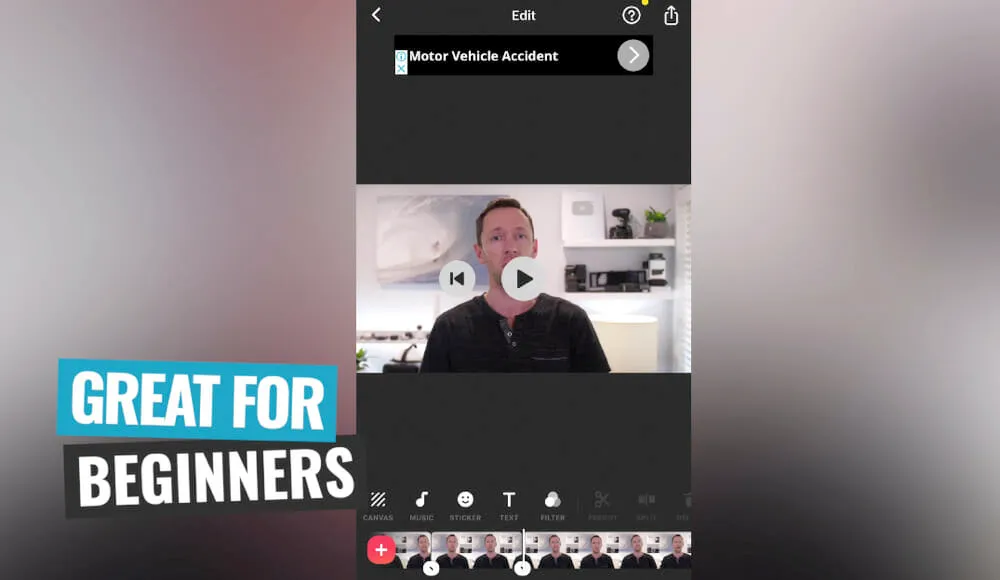
You can trim down your videos and remove any sections really easily. There are also some great controls for things like adjusting the colors and adding filters. The filters are similar to something you’d see in the built-in Instagram video editing tools, but you get access to additional features too.
Since it is so basic, it doesn’t have the ability to layer multiple video clips. This means you can’t add b-roll to underlying primary footage.
But depending on the types of videos you’re creating, that might not be a downside for you!
InShot Pricing
There is a free version of InShot available but it does have a watermark.
To remove the watermark and any other InShot branding, you have two options:
- Pay $1.99 each time you export
- Watch an ad at the time of exporting to remove the branding
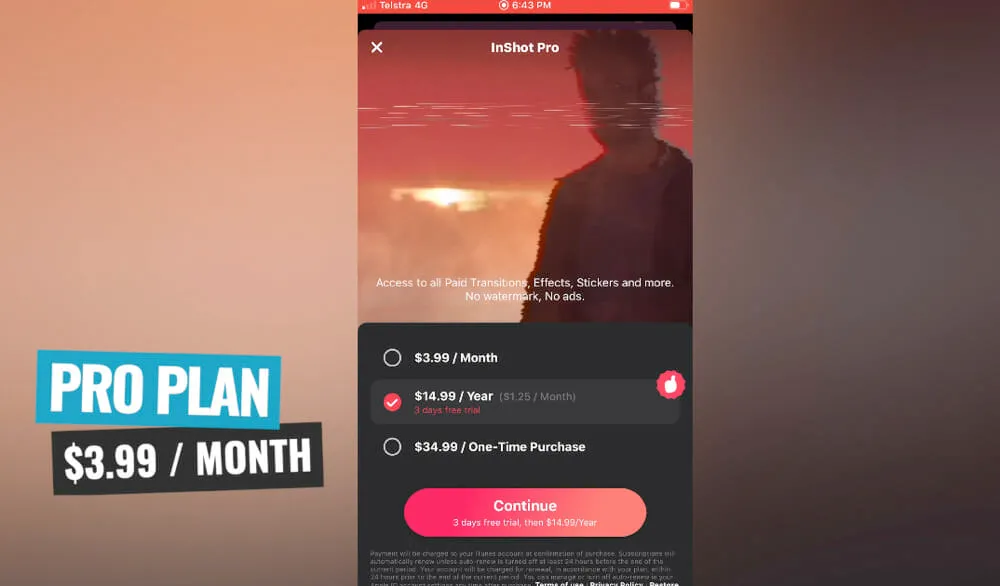
There’s also a Pro version of the app which unlocks more transitions, effects and stickers. The Pro pricing plans are:
- $3.99 per month
- $14.99 per year
Instagram Video Editing App #2: VLLO
The next shortlisted video editing app that will help you create awesome Instagram videos is VLLO.
Just like InShot, it has a really intuitive and easy to use interface so it’s great if you’re an absolute beginner.
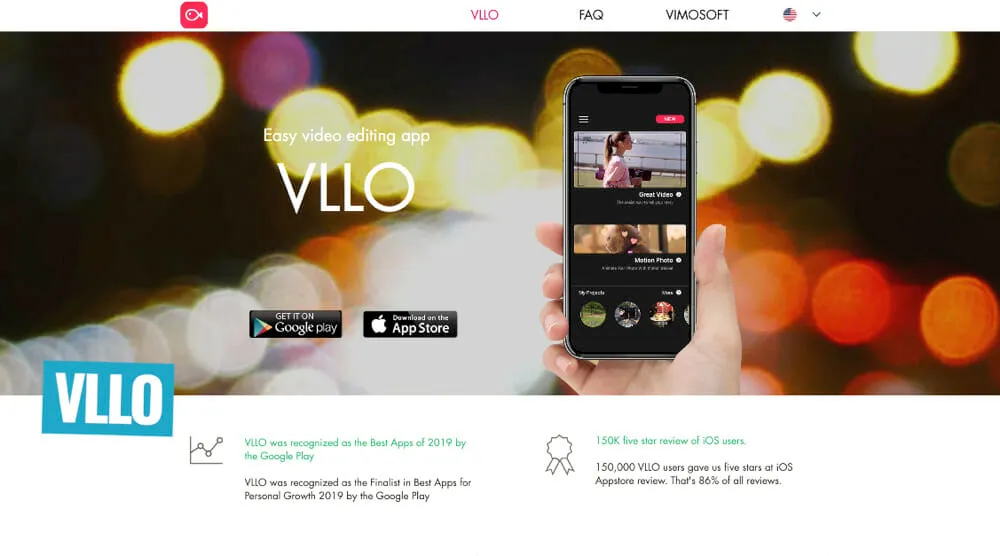
But it also offers a ton more advanced features, so if you’re looking for something a bit more professional this could still be a great option for you.
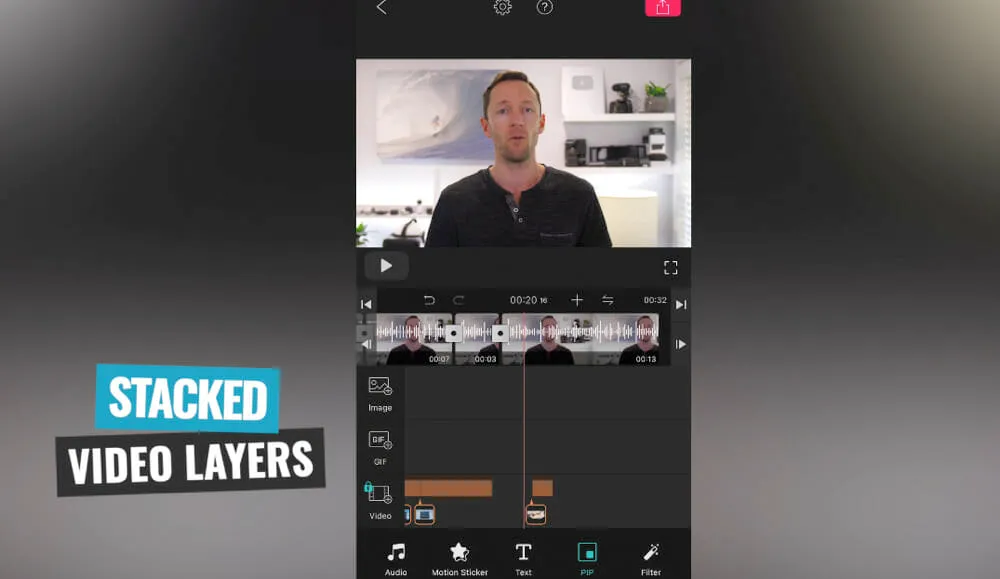
You have the ability to layer video clips (unlike in InShot) and they also support Adjustment Layers which is a feature usually only seen in desktop video editing software!
VLLO Pricing
There is a free version of VLLO available which allows you to remove the watermark by watching an ad at the time of export.
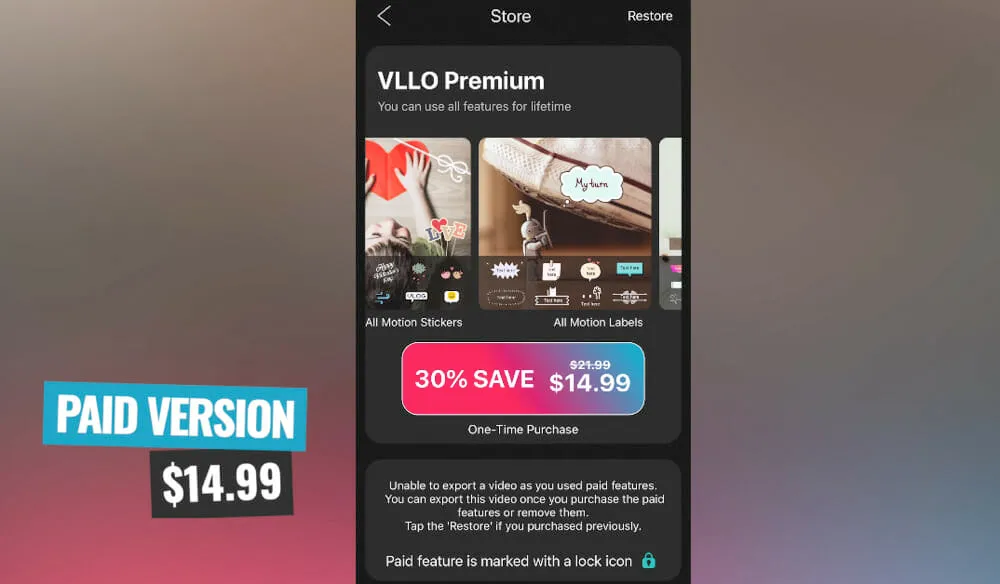
To unlock some of the more professional features and advanced controls, there’s a one-time fee of $14.99.
It’s awesome to see that you don’t need to jump on a subscription, you can just pay it once and get access to all of those amazing features.
Instagram Video Editing App #3: Adobe Rush
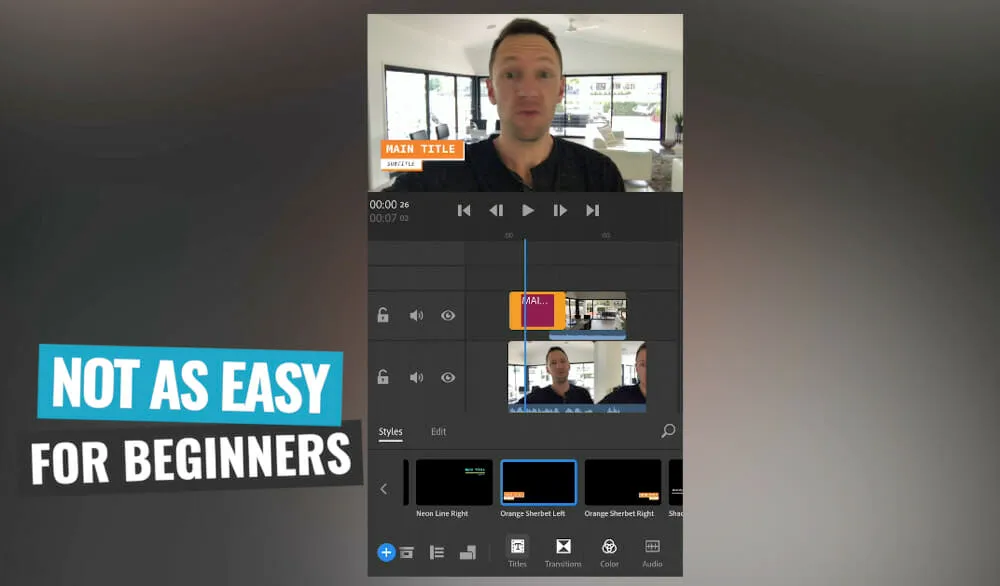
Adobe Rush is another awesome option when it comes to Instagram video editing apps. It’s basically the little brother of Adobe Premiere Pro.
One of the biggest things we love about it is that it’s cross platform and cross device compatible. That means not only can you use it on your iOS and Android device, but also on your Mac and PC.
So you can start editing on your iPhone and then jump onto your Mac to finish your editing there.
You can even open your Adobe Rush projects inside Adobe Premiere Pro.
Another standout feature is the audio control which includes an Auto Volume feature. This detects what type of audio it is and automatically adjusts it. We don’t usually recommend these types of ‘auto’ features but this one is actually pretty good!
In terms of usability, it is fairly intuitive but probably not as easy for absolute beginners to get up to speed as the two previous options.
Adobe Rush Pricing
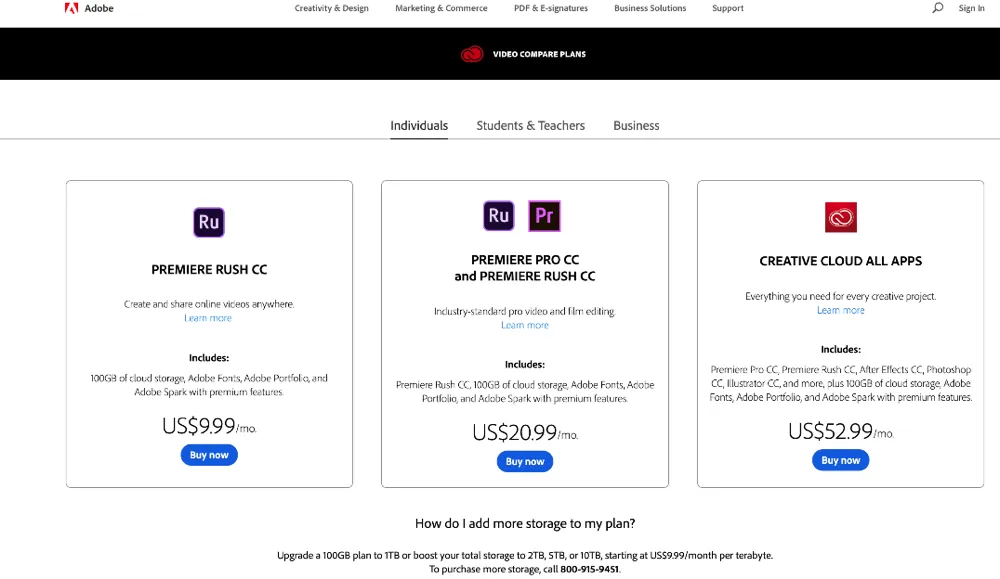
Unfortunately there isn’t a free version of this video editing app. There are a couple of pricing options available:
- $9.99 per month (Adobe Rush only)
- $20.99 per month (Adobe Rush & Adobe Premiere Pro)
Also, if you already have Adobe Premiere Pro or the Adobe Master Suite, you’ve probably already got access to Adobe Rush!
Instagram Video Editing App #4: LumaFusion
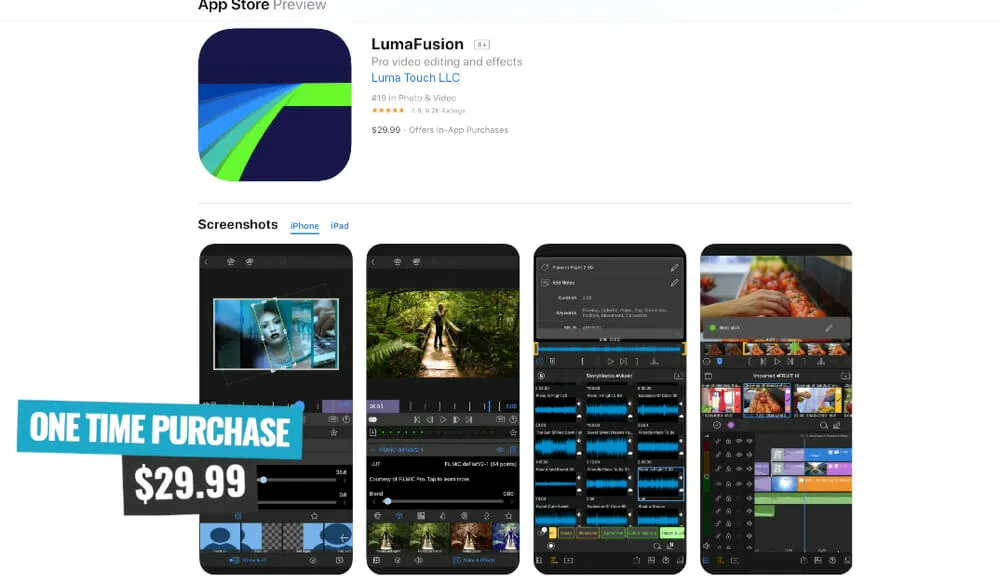
The final video editing app on the shortlist is LumaFusion.
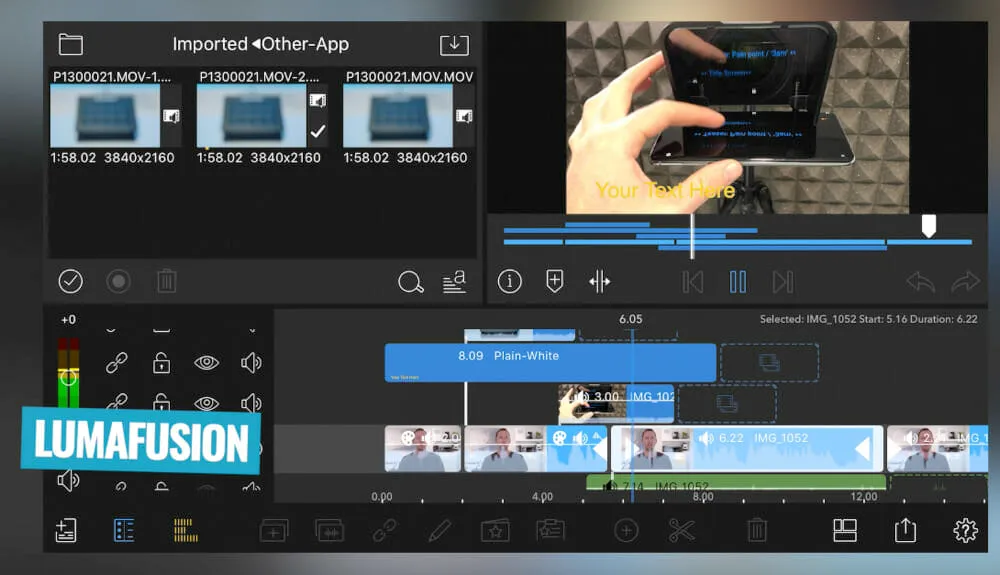
This is hands down the most professional video editing app out there. It mimics desktop video editing software like Adobe Premiere Pro and Final Cut Pro in the way you can edit video clips and everything on the timeline.
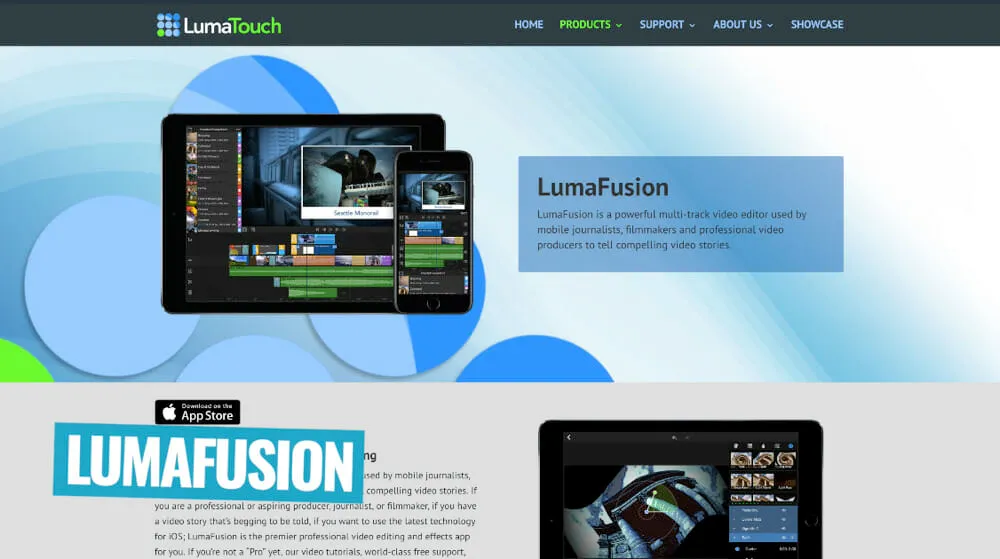
There are so many advanced, pro-level features and controls in LumaFusion that can help you create next level Instagram videos.
One of the standout features is Keyframes which allows you to adjust things like audio on a frame by frame basis. None of the other apps will give you that level of control.
You can even export your video editing project from LumaFusion over to Final Cut Pro.
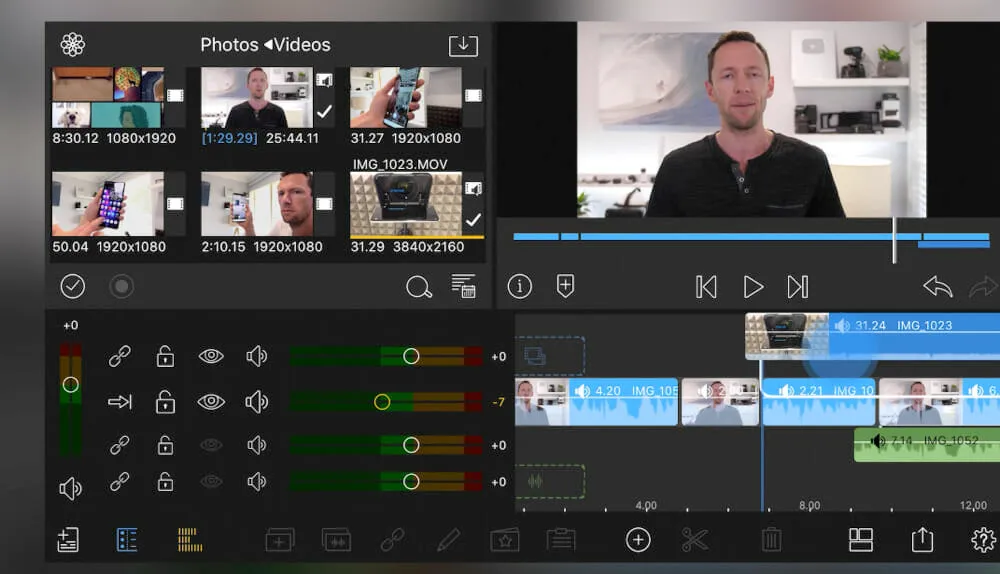
In regards to the interface, because there are so many advanced tools you will need to dive into menus to be able to find everything. But all of those features mean you have a really granular level of control over your edits.
It is easy enough for a beginner to jump into but it’s not as easy as the other options. This is really aimed at people who are more on the intermediate to advanced level.
LumaFusion Pricing
LumaFusion has a one-time fee of $29.99. If you ask us, this is incredibly cheap for what you’re getting access to!
Best Instagram Video Editing App?
This will come down to your specific skill level and the types of videos you’re creating.
If you’re a complete beginner and only need access to more basic video editing tools, that’s where VLLO is going to be a great option for you.
On the other hand, if you’re after the most professional features and want access to an advanced Instagram video editing tool to help you create stunning videos, you really can’t go past LumaFusion.
This will come down to whether you want a cheap or free video editing app, or if you’re happy to spend a bit of extra money.
Now you know the best Instagram video editing apps!
If you want to learn about how to FILM amazing videos using just your smartphone, check out our complete Smartphone Filming Guide.