
Editing
Justin Uses
Descript
Game-changing tool for editing your content insanely fast.
Best for: Creators who want to edit video by editing text, plus AI voice cloning and transcription
We've tested thousands of products. These are the ones we actually recommend for your video production workflow.
Game-changing tool for editing your content insanely fast.
Best for: Creators who want to edit video by editing text, plus AI voice cloning and transcription

Track YouTube analytics and conversions in one place. See exactly which videos drive traffic, leads, and sales.
Best for: Businesses and creators using YouTube as a growth channel who need to connect video performance to real business results

AI-powered email marketing where the AI makes building and automating so much easier.
Best for: Creators who want AI-driven email automation with site tracking and fair pricing that doesn't punish list growth

Our top pick for royalty-free music. Simple licensing, incredible library.
Best for: YouTubers and filmmakers who need high-quality, copyright-safe music

The free camera app that unlocks pro-level controls on your smartphone.
Best for: Solo creators who want manual camera control and remote monitoring on their phone
Create amazing thumbnails and graphics quickly, even with zero design skills.
Best for: Creators who need professional-looking thumbnails, banners, and social graphics fast
Insanely realistic AI voices and voice cloning that actually sounds like you.
Best for: Creators who need natural AI voiceovers, voice cloning, or multilingual dubbing
All-in-one platform for online courses, memberships, and digital products.
Best for: Creators who want to build and sell courses, memberships, or coaching without stitching together multiple tools

The easiest way to go live. Browser-based, no software to install.
Best for: Beginners and creators who want simple, reliable multi-platform streaming

Great for video topic ideation and growing a YouTube channel.
Best for: YouTubers who want keyword research, topic analysis, and competitor insights
Now free via Canva. Professional design tools without Adobe's subscription.
Best for: Designers who want Photoshop-level power with a free price tag
The most powerful live streaming software for Mac.
Best for: Mac users who want professional overlays, scene building, and guest interviews
Massive music and SFX library with seamless YouTube integration.
Best for: Content creators who want a huge selection with easy copyright-safe licensing

AI-powered video repurposing that turns long videos into viral shorts.
Best for: YouTubers who want to automatically create Shorts and Reels from long-form content

The go-to tool for A/B testing your YouTube thumbnails and titles to maximize click-through rate.
Best for: YouTubers who want to A/B test thumbnails and titles to improve performance
Professional-grade editing, color correction, VFX and audio in a single free app.
Best for: Creators who want professional editing power without the subscription cost

Free, open-source streaming and recording powerhouse.
Best for: Creators who want maximum control and customization without paying a cent
Great Canva alternative with no paywall on key export features.
Best for: Creators who want a simple, fast design tool for thumbnails and channel art

Generate custom music tracks from a text prompt. Perfect for adding a personal touch to your content.
Best for: Creators who want unique, AI-generated music tailored to their specific video needs

Millions of stock videos, music tracks, templates, and sound effects with one unlimited subscription.
Best for: Creators who want all-in-one access to stock footage, music, templates, and graphics
See search volumes for any keyword right inside Google or YouTube.
Best for: Creators who want easy keyword research data overlaid in their browser

Whip up a custom animated intro for your brand in just a few minutes.
Best for: Creators who need quick, professional video intros, end cards, and logos
Industry standard editor with deep integration across the Adobe ecosystem.
Best for: Professional editors and teams already in the Adobe Creative Cloud ecosystem

The AI-powered command center that we now can't live without.
Best for: Mac users who want AI integrated directly into their desktop workflows
Local recording for guests means the highest quality podcasts and interviews.
Best for: Podcasters and interviewers who need studio-quality remote recordings

Powerful free editor that keeps getting better. Great for beginners and pros alike.
Best for: Beginners and creators who want a capable free editor on desktop and mobile

Our go-to AI for brainstorming video ideas, planning content structure, and pulling research together.
Best for: Creators who want an AI assistant for content planning, research, and writing
Free royalty-free music library with straightforward licensing for YouTube, Twitch, and podcasts.
Best for: Creators who want quality background music without paying for a subscription

Free live streaming software that works across desktop and mobile with built-in effects and overlays.
Best for: Beginners who want a free, simple streaming platform with multistreaming support

Community, courses, events, and discussions all in one beautifully designed platform.
Best for: Creators who want to build a community with built-in courses, events, and member engagement
Professional video editing built for Mac with a fast, intuitive timeline and powerful features.
Best for: Mac users who want professional editing power with Apple-optimized performance

Google's AI with deep research capabilities, especially useful for detailed product and tool research.
Best for: Creators who need in-depth research and information gathering powered by Google's AI
Near-instant AI dictation that our whole team uses daily.
Best for: Mac users who want blazing-fast voice-to-text with local AI processing
The all-in-one project management tool that runs our entire video production pipeline.
Best for: Creators and teams who want to manage projects, tasks, and workflows in one customizable platform
The AI-powered read-it-later app taming our content feeds.
Best for: Content researchers who want to save, highlight, and summarize articles with AI
Surprisingly powerful free mobile editor with no watermarks.
Best for: Mobile-first creators who want a capable editor on their phone

Free browser-based editor with no watermark at 1080p. A solid starting point for beginners.
Best for: Beginners who want a simple, free video editor that runs right in the browser
Unified team inbox that brings email, chat, and collaboration together in one place.
Best for: Teams who want shared inboxes, inline conversations, and multi-channel messaging without switching apps
Beginner-friendly email marketing with a generous free plan and clean, simple automations.
Best for: Creators who want a simpler email marketing solution with a free plan for up to 10,000 subscribers

Screen and webcam recording with a polished web-based editor and AI-powered editing features.
Best for: Creators and teams who need flexible screen recording with transcript-based editing and easy sharing
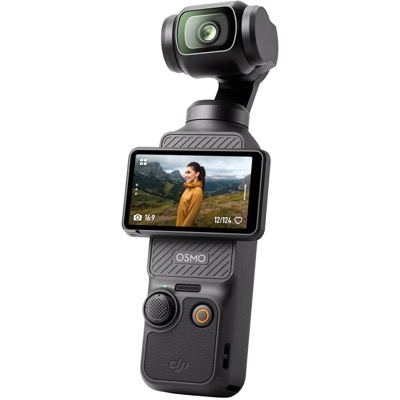
Ultra-portable gimbal camera with a 1-inch sensor. Incredible stabilization in a tiny package.

Send and receive international payments with real exchange rates and low, transparent fees.
Best for: Creators and businesses who need to send or receive money internationally without hidden bank fees
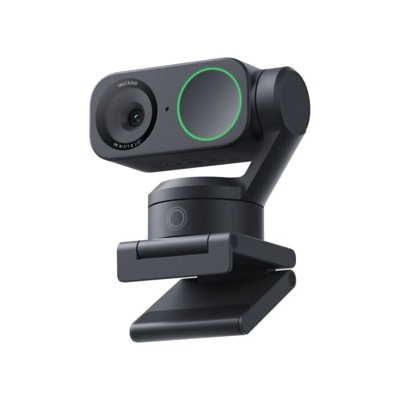
AI-powered 4K webcam with gesture control and auto-tracking. The best webcam upgrade.

One subscription for 240+ Mac and iOS apps, including many popular productivity and creative tools.
Best for: Mac users who want access to a curated library of premium apps for one monthly fee
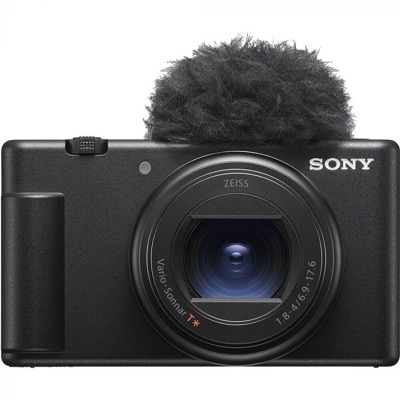
Compact vlogging camera built for content creators. Great autofocus and built-in mic.
Fast, affordable VPN with unlimited device connections to keep your browsing private and secure.
Best for: Creators who want to protect their privacy, access geo-restricted content, or secure public Wi-Fi
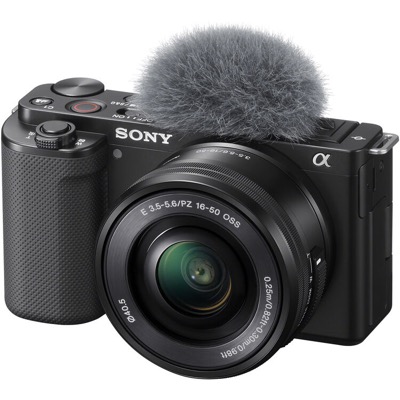
Interchangeable lens vlogging camera. APS-C sensor with excellent video quality at a great price.
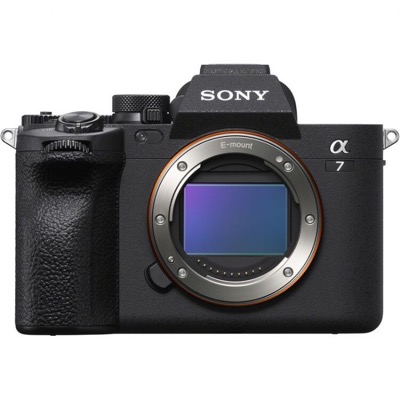
Full-frame hybrid camera for creators who want top-tier photo and video in one body.
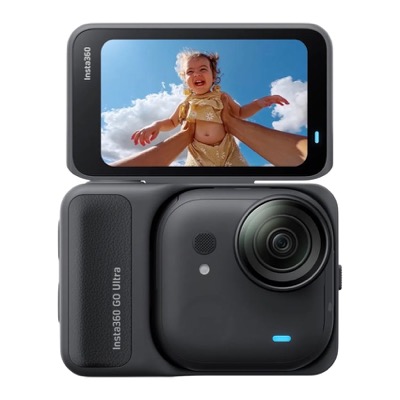
Tiny magnetic action cam that goes anywhere. Perfect for hands-free POV content.
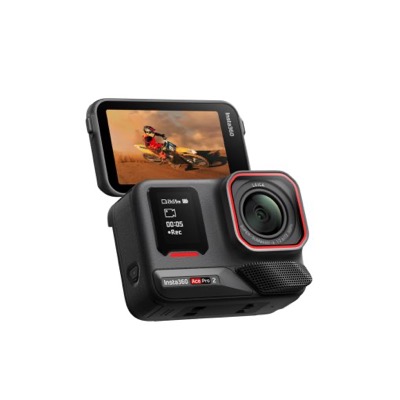
Premium action camera with a large sensor, AI features, and a flip screen for vlogging.
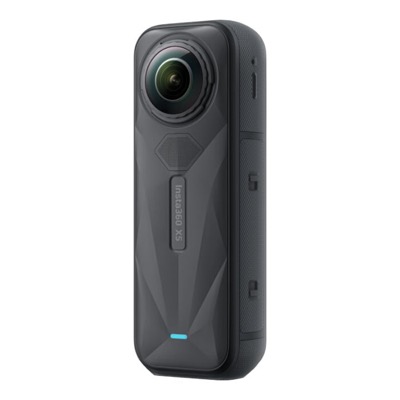
Top-tier 360 camera with 8K resolution. Shoot now, frame later for creative flexibility.
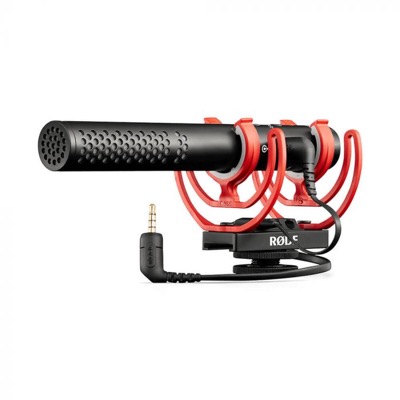
Versatile shotgun mic that works with cameras, phones, and computers. Our go-to on-camera mic.
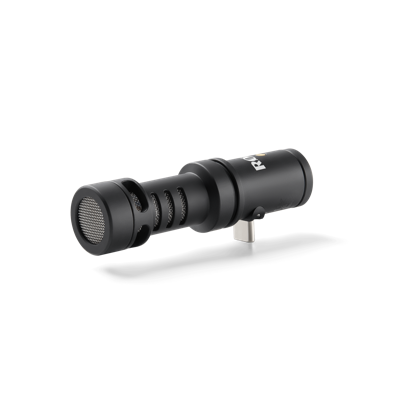
Tiny directional mic that plugs straight into your phone. Big audio upgrade, zero hassle.
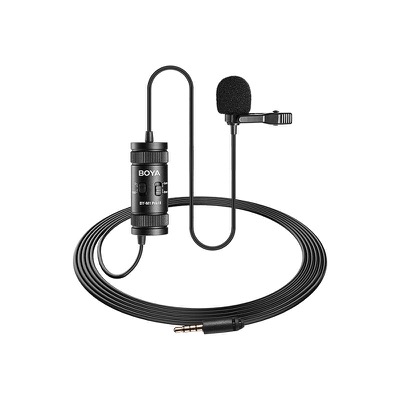
Budget-friendly lavalier mic that delivers surprisingly good audio for the price.
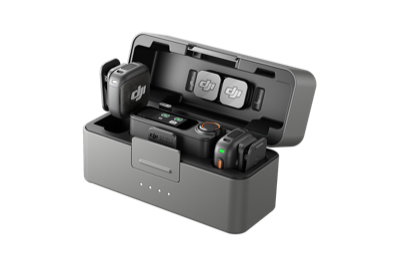
Wireless mic system with noise cancellation and internal recording. Works with cameras and phones.
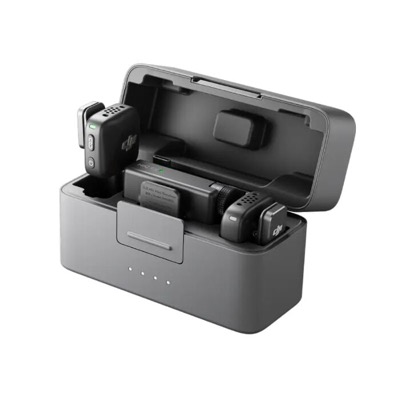
Ultra-compact wireless mic. Clip it on and forget about it. Great value entry point.
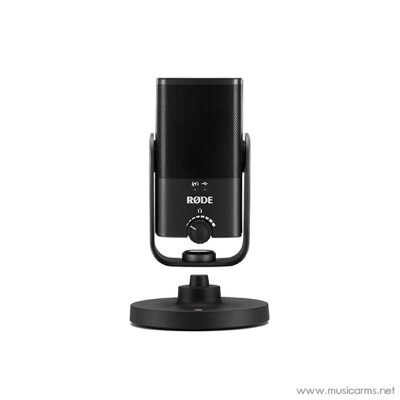
Compact USB condenser mic with studio-quality sound. Plug-and-play with any computer.
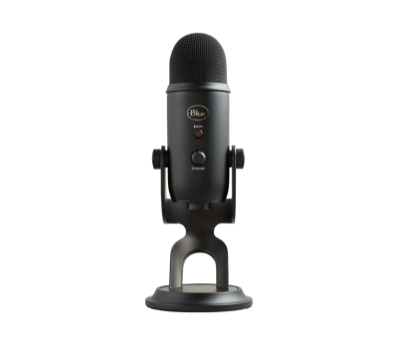
Classic USB mic with multiple pickup patterns. Still a solid all-rounder for desk setups.
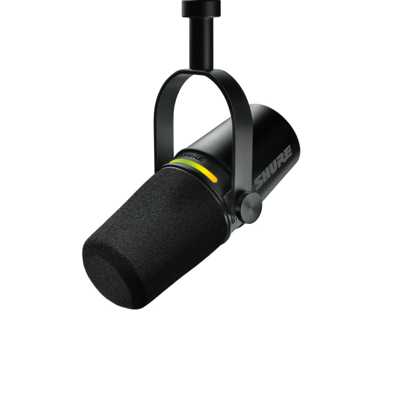
Hybrid USB/XLR dynamic mic. Rich, broadcast-quality sound with USB convenience.
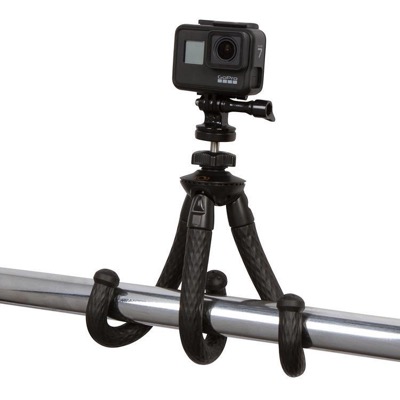
Flexible mini tripod that wraps around anything. Perfect for smartphone and small camera setups.
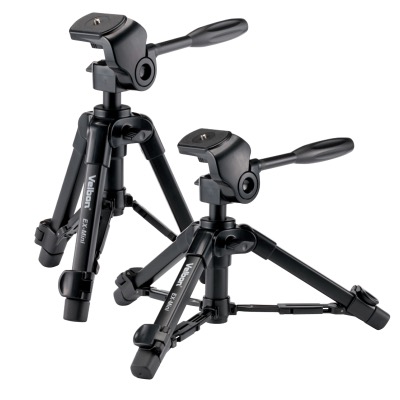
Compact tabletop tripod that punches above its weight. Sturdy, affordable, and travel-friendly.
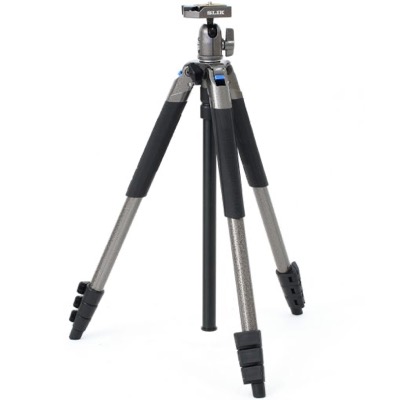
Lightweight full-size tripod with smooth pan and tilt. Great value for video creators.
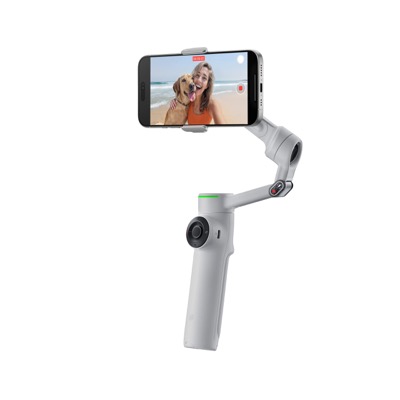
AI-powered smartphone gimbal with built-in selfie stick and tripod. Smooth footage, no effort.
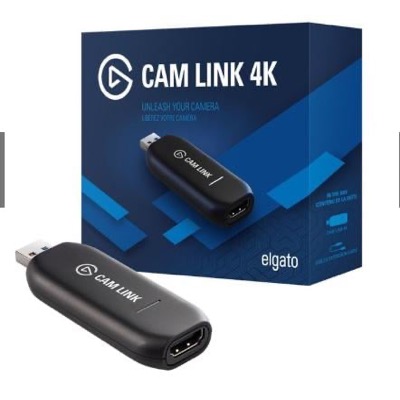
Turn any camera into a webcam. Plug in via HDMI and use your camera for live streams and calls.
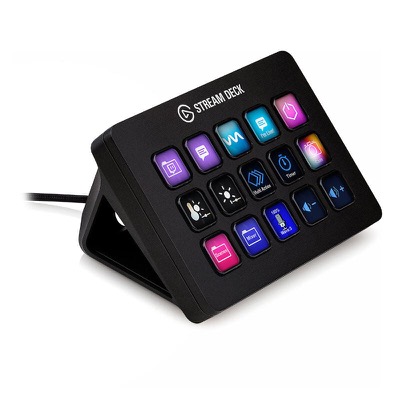
Customizable shortcut buttons for streaming, editing, and productivity. A game-changer for workflows.
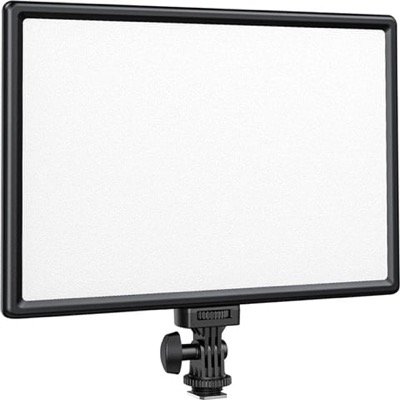
Portable LED panel with adjustable color temperature. Great starter light for any setup.
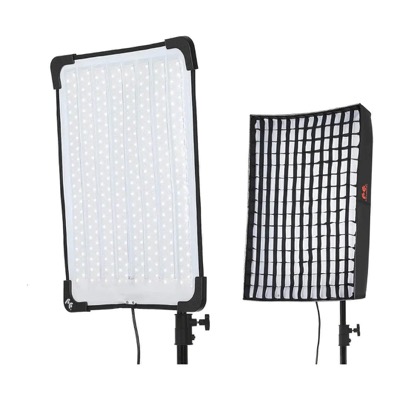
Flexible rollable LED light panel. Soft, even lighting that you can shape to any setup.
Google's AI video creation tool. Feels like Google Slides for video, with built-in screen recording, transcript editing, and Veo 3.1 generation.
Best for: Creators who want fast, simple videos with AI assists and strong screen recording, without a full editing app
Android-only floating teleprompter that overlays any camera app, including pro apps like Blackmagic Camera.
Open-source React framework for creating videos programmatically. Pairs with AI for fast motion graphics.
Best for: Creators who want AI-generated animated titles and motion graphics without After Effects
Cross-platform teleprompter with offline AI voice-tracking autoscroll, voice commands, and full hardware support.
Polished iOS teleprompter with eyeline mode, hardware support, and a built-in camera at a great price.
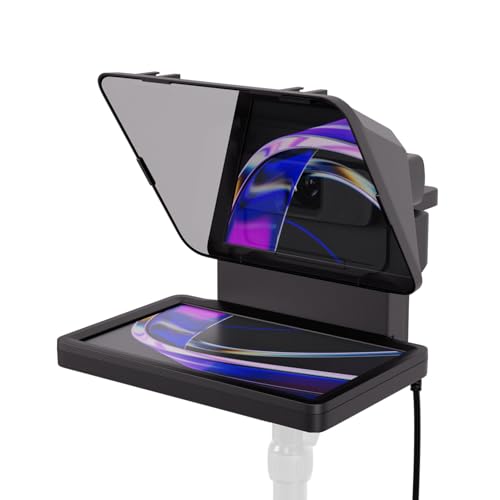
Teleprompter that puts your script and bullet points right in your eyeline, so takes stay tight and on-message. Great for batching.
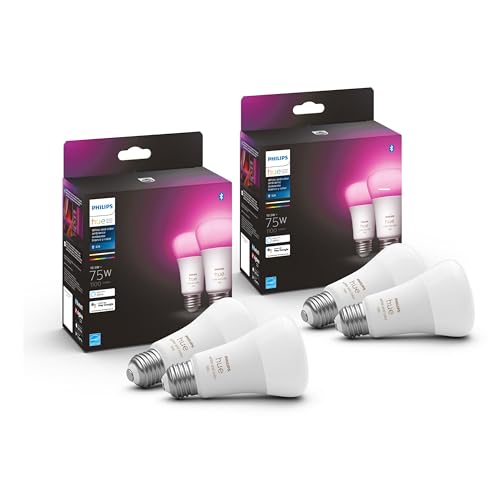
Smart bulbs for ceiling and background lighting. Dial in brightness and color for a consistent look, even when daylight shifts.
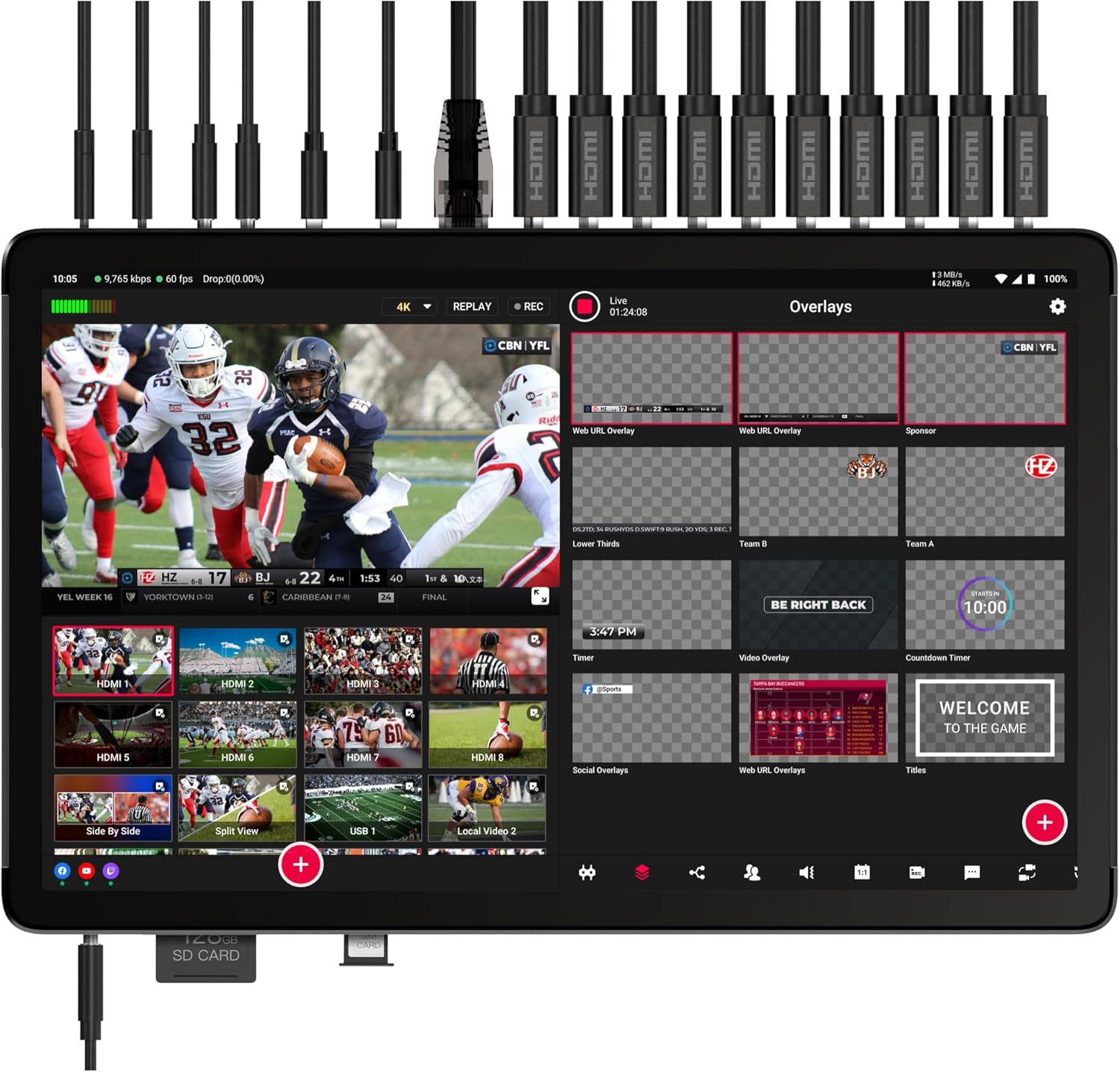
Live switcher and recorder that captures camera, screen, and audio as separate 4K files. Your backup-recording safety net.
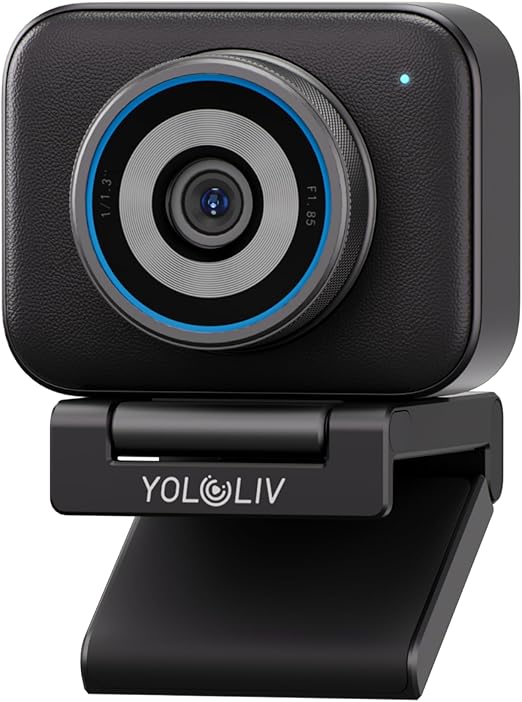
Webcam-style camera with strong picture quality. Enough to carry a whole setup on its own without a big rig.
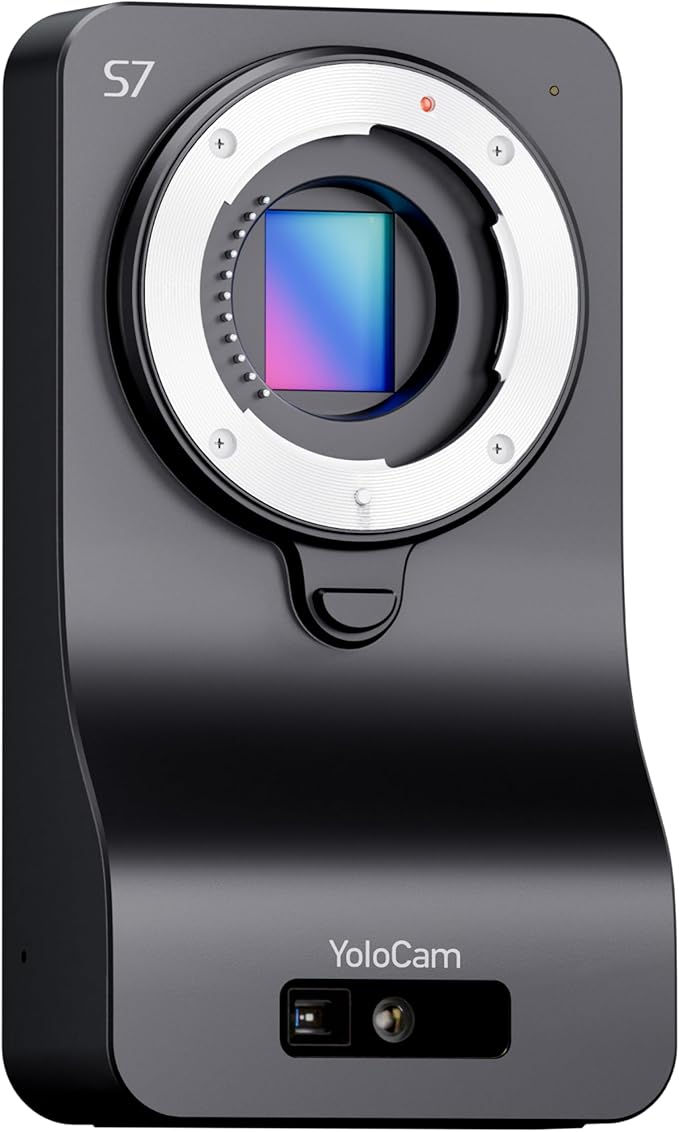
Studio-first Micro Four Thirds camera built to stay mounted and powered full-time, so you sit down and record without setup.
No tools match your search.
77 tools recommended