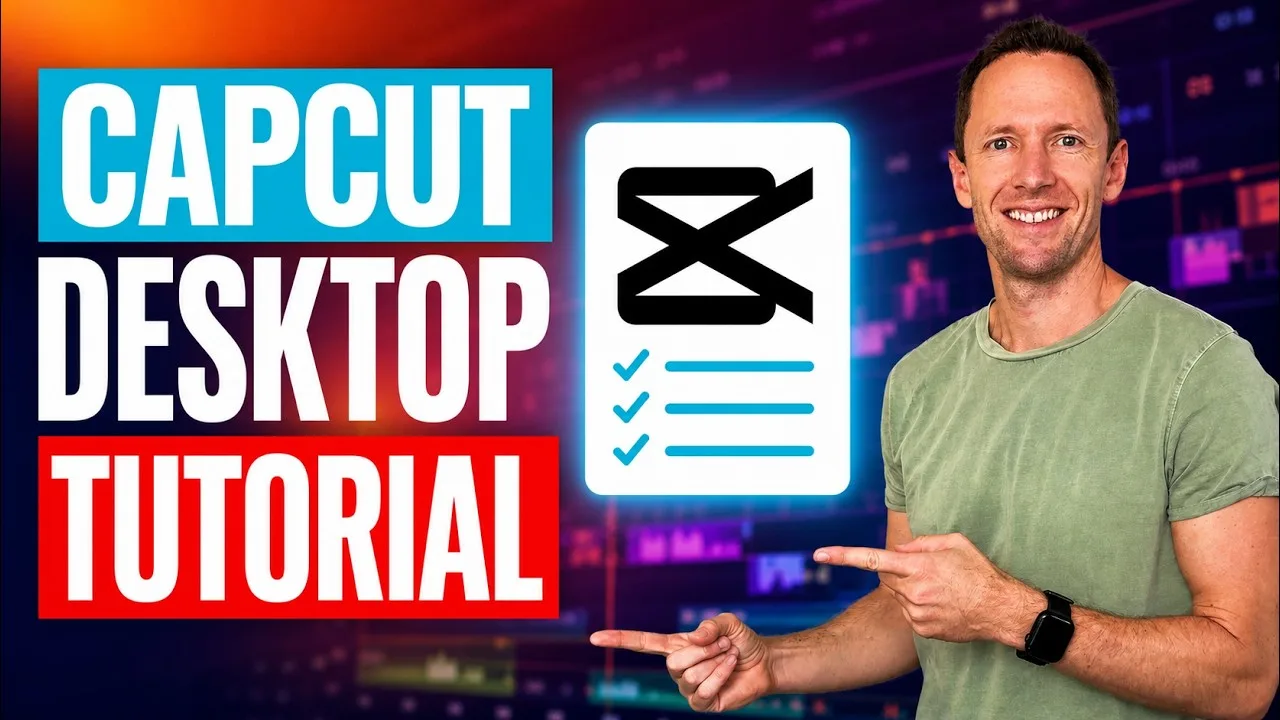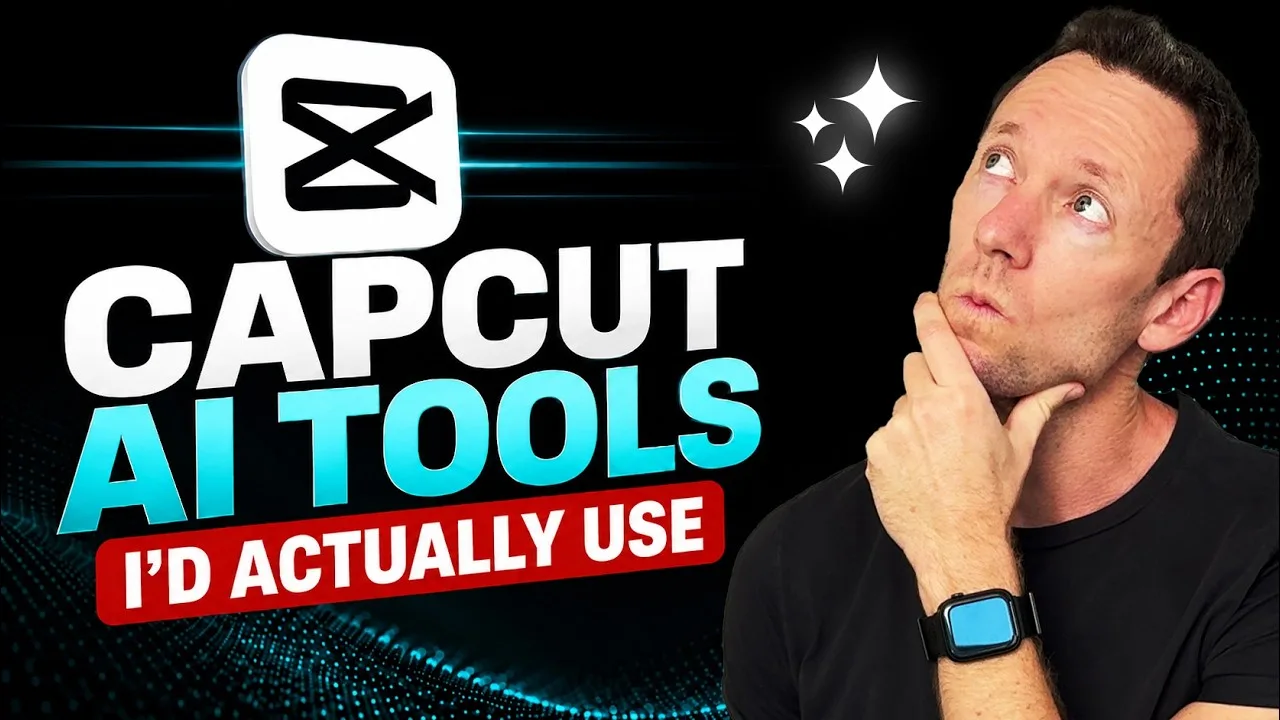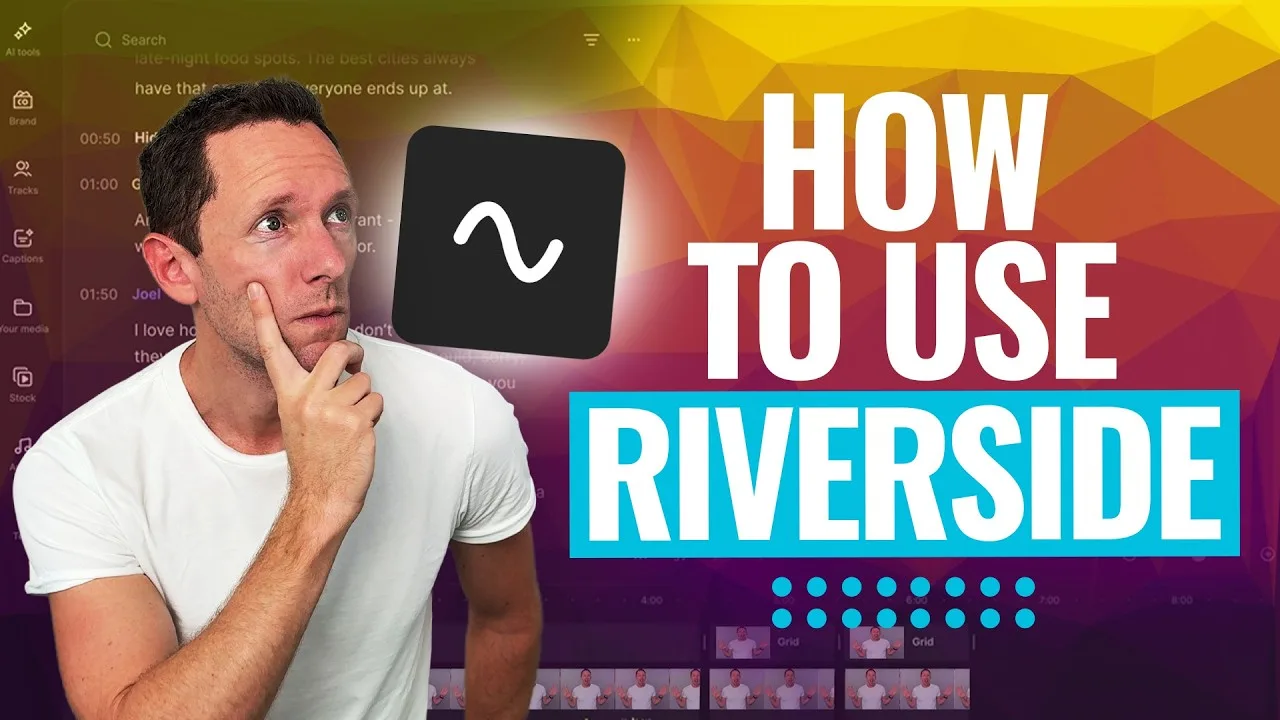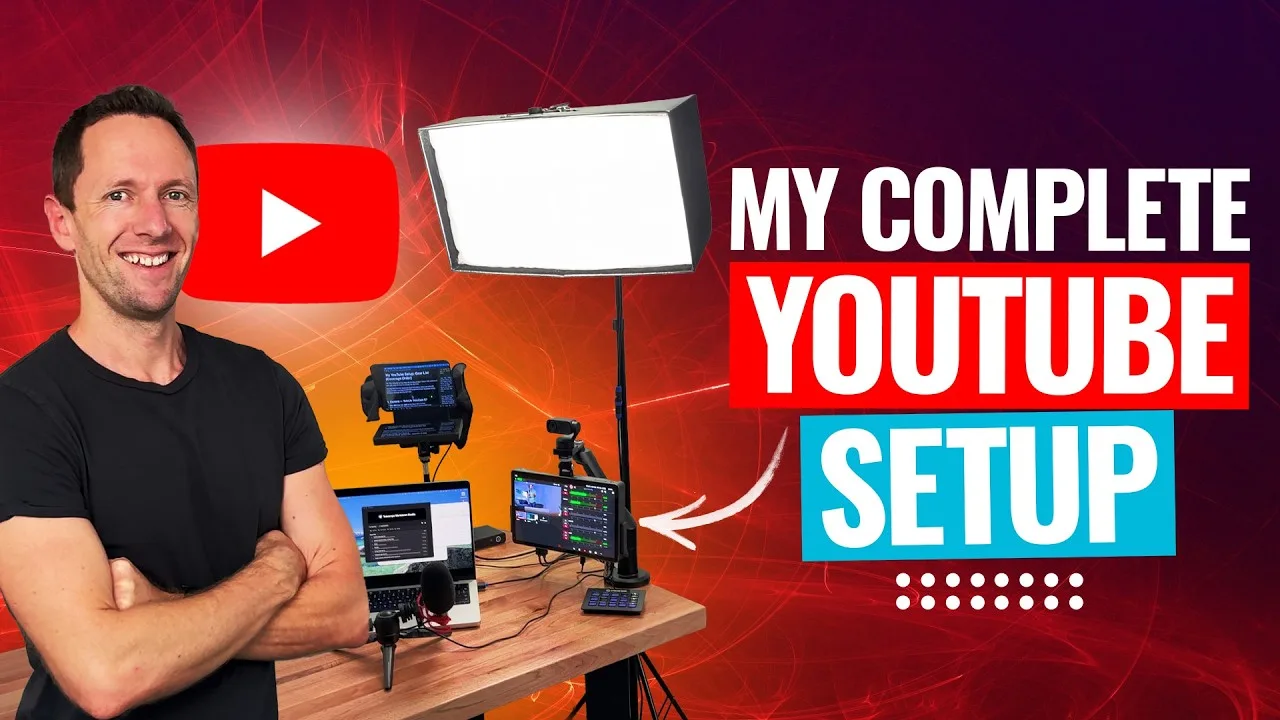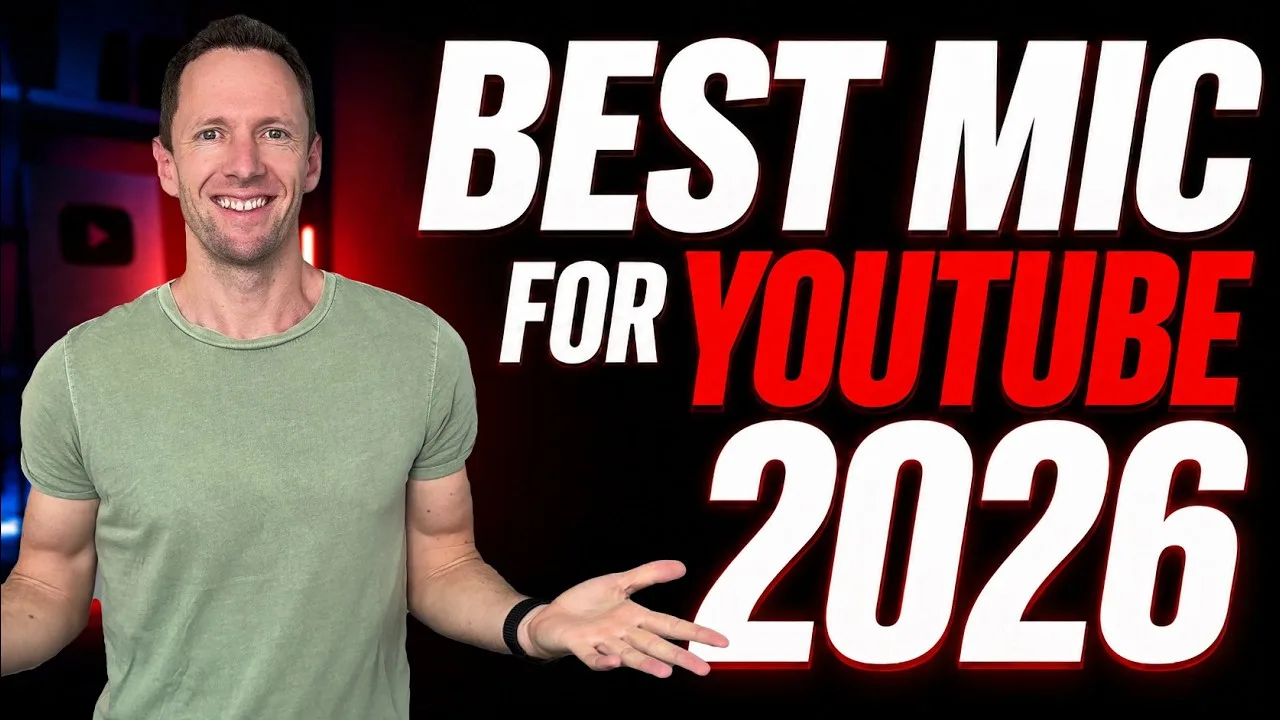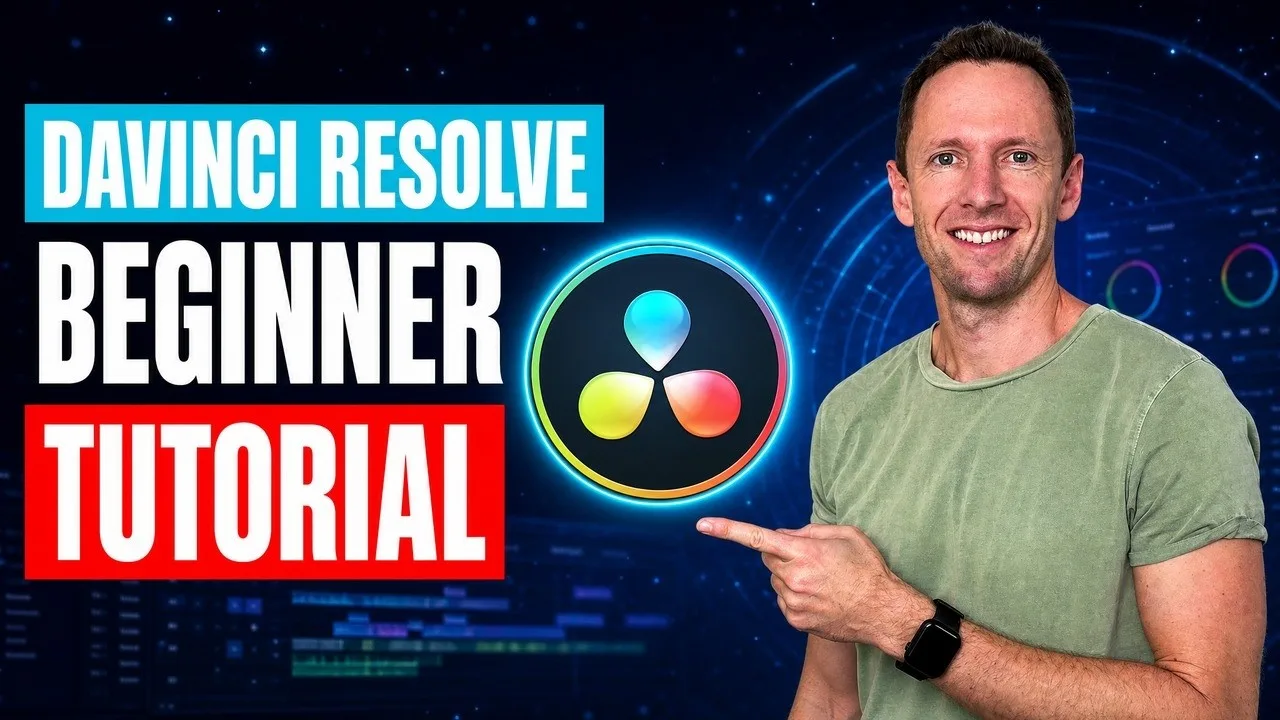





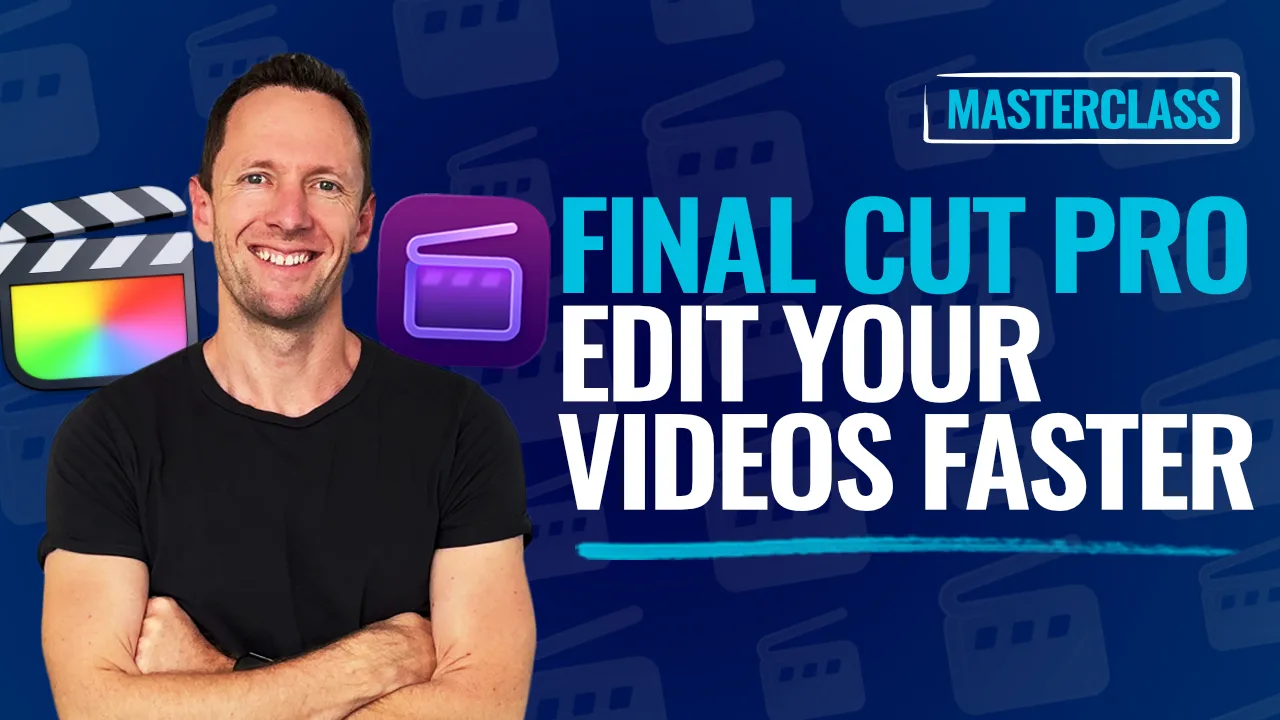
We had a video ready to publish a while back and the thumbnails weren’t done. I’ve been testing AI thumbnail generators regularly for a long time, but never got something that was good enough to use but I thought I’d give VidIQ another go now anyway… I was expecting another mediocre result, but it blew me away! I generated one right at the point of upload, and that’s still the thumbnail running on that video today.
That’s what I’m geeking out on at the moment: how fast we can actually get a video out now.
VidIQ knows the title, it knows the transcript, and it looks inside the video. So ‘start from a frame, make me a thumbnail’ with no other guidance got us something usable straight away. It even pulled a screenshot from a random moment in the video and worked it in.
There are a lot of tools out there that say they’ll generate thumbnails, and what they’re really doing is just ripping off thumbnails from other people’s channels. This isn’t that. It’s pulling from your own video, your title, your transcript, your own photo, so what comes out is actually yours.
What it couldn’t get quite right initially was my face. The fix was uploading my own photo and telling it: do not make any changes to the image of me, use it as it is. It worked great! (Although it did delete my watch… so make sure to check the details.)
The other thing that’s changed is my prompts. I used to write these big, detailed ones. Now I’m just talking to it like I would a human. Less is more from what we’re finding.