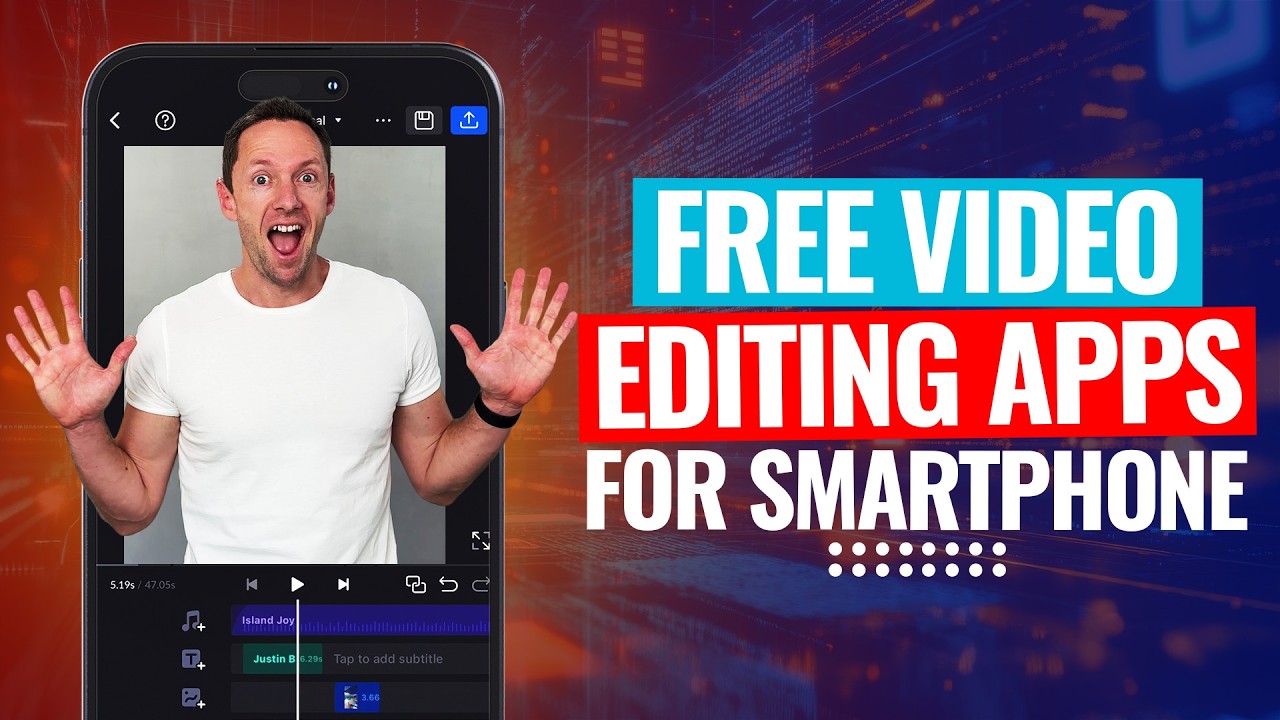
If you’re dealing with bad audio on your phone—background noise, wind, or music cluttering your recordings—fixing it is now super easy. Two free AI-powered apps clean up your audio right on your mobile, so no fancy desktop programs are needed. Here’s a breakdown of both tools, how they work, and why they’re the go-to choice for anyone wanting clear, professional-sounding audio straight from their phone.
Below is an AI-assisted summary of the key points and ideas covered in the video. For more detail, make sure to check out the full time stamped video above!
Two Free AI Apps for Cleaner Audio
Adobe Premiere Mobile App (iPhone Only)
The first powerhouse is the new Adobe Premiere Mobile app. This app is exclusive to iPhone users for now and is loaded with AI-driven features that were once locked behind paywalls.
- Super simple workflow: Drop your audio or video into the timeline, select the clip, and scroll to “Enhance Speech.”
- Customizable controls: Adjust the “speech enhancement” and “background noise” sliders for the perfect balance. Start with the default (90% speech/10% noise), or tweak to let in more ambient sound, like 40% background noise.
- Impressive noise reduction: Even with harsh wind or surf noises, the app can isolate your voice and make you sound like you recorded in a studio.
- Handles long clips well: Processing is fast and results stay strong even on bigger files.
- Totally free: All AI features are included in the app, with no paywall.
Pros
- Highly effective at removing stubborn noise and wind
- Adjustable settings for custom results
- Fast processing, even for longer recordings
- Free access to pro-grade features
Cons
- Only available for iPhone
- Requires working within the Adobe Premiere Mobile app interface
Try Adobe Premiere Mobile App (iOS)
Instagram Edits App (iPhone & Android)
Next up is the Instagram Edits app, which brings similar AI audio tools to both iPhone and Android users. It’s more than just filters—this app is strong for audio clean-up!
- Cross-platform compatibility: Works on both iPhone and Android.
- Portrait video export only: Widescreen videos appear as portrait, but users can pinch to scale or export the fixed audio separately.
- Quick, intuitive controls: Tap the clip, find “Voice Enhance,” and use sliders to reduce noise (like 65–70%) and boost your voice.
- Instant processing: Audio cleans up almost immediately.
- Great for everyday clips: Makes voices sound polished, almost like using a high-end mic.
Pros
- Free for both iPhone and Android
- Instant processing, zero lag
- Effective noise reduction for typical phone audio
- Very easy to find the right mix
Cons
- Only exports in portrait mode, which can be limiting
- Less robust than Adobe Premiere Mobile in extreme noise situations
Try Instagram Edits App (iOS & Android)
Quick Comparison Table
| App | Platforms | Key Feature | Processing Speed | Output Format | Best For | Price |
|---|---|---|---|---|---|---|
| Adobe Premiere Mobile | iPhone | AI Speech Enhancement | Fast | Flexible | Heavy noise, long clips, pro results | Free |
| Instagram Edits | iPhone, Android | Voice Enhance/Noise Cut | Instant | Portrait only | Everyday audio, quick fixes | Free |
Step-by-Step: How to Fix Bad Audio Using These Apps
1. Open the app and import your audio or video clip.
2. Select the clip and find the audio enhancement tool:
- Adobe Premiere Mobile: Use “Enhance Speech” and “Noise Reduction” sliders.
- Instagram Edits: Use “Voice Enhance” and “Noise Reduction” sliders.
3. Adjust the sliders until your voice is clear and background noise is minimized.
4. Preview the audio. Make tweaks for the most natural sound.
5. Export the project. With Instagram Edits, you can use just the cleaned audio elsewhere if the portrait video isn’t the format you need.
Why These Tools Are a No Brainer
- Skip dodgy desktop software—fix your audio on the go.
- Free AI tools like these are game-changers for creators and business owners.
- Whether running a lifestyle business, creating YouTube content, or wanting better-sounding clips, these apps solve problems and offer a real workflow upgrade.
- Done is better than perfect, and these tools get results fast without hassle.
Get Crisp, Clear Audio Every Time
Fixing bad audio on your phone is now quick, easy, and free with these two AI-powered apps. Use Adobe Premiere Mobile for advanced control on iPhone, or try Instagram Edits on any device for lightning-fast results. Both options add value to your videos, save time, and make background noise a thing of the past.