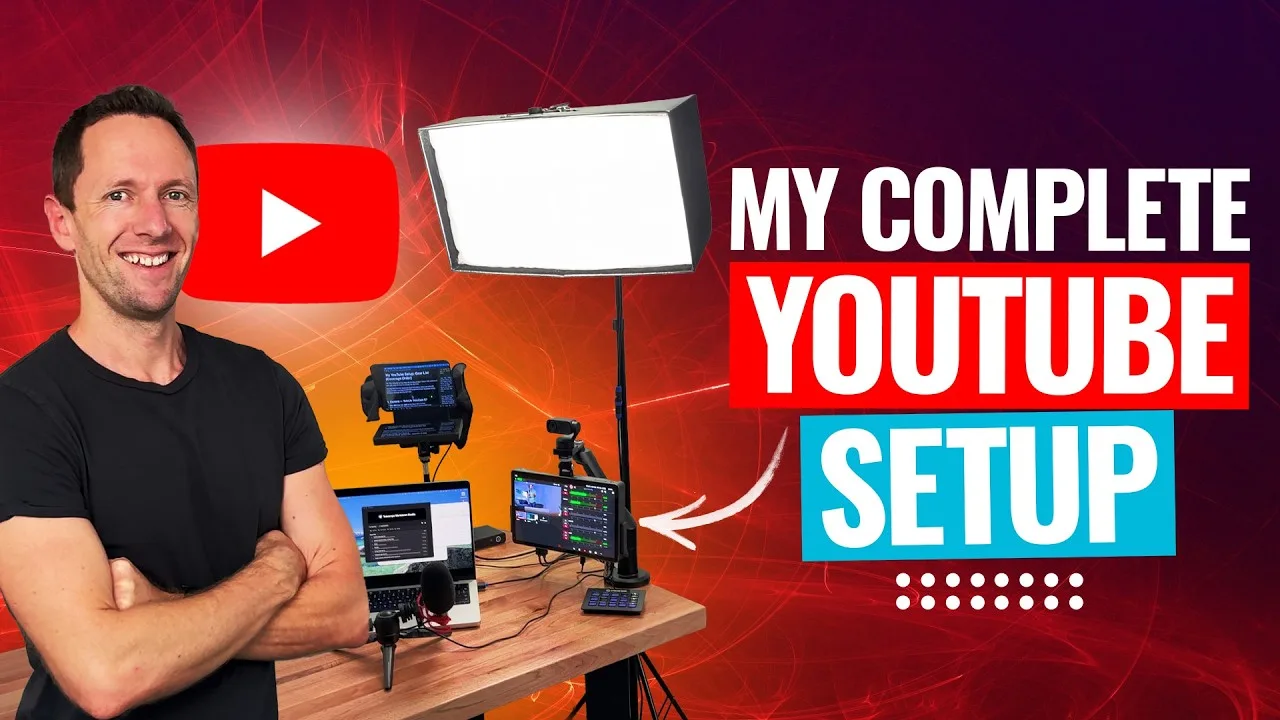
If the goal is to find the best teleprompter apps for iPhone and Android in 2026, the right pick depends on the shooting setup. Some apps record video while scrolling a script on the phone, while others work best with hardware teleprompters placed in front of a camera.
Below is an AI-assisted summary of the key points and ideas covered in the video. For more detail, make sure to check out the full video above!
Choose your setup first (phone recording vs hardware teleprompter)
Decide whether the main workflow is recording on the phone or using a hardware teleprompter. Matching the app to the setup avoids eyeline problems and wasted features.
If recording on the phone, keep the script close to the selfie camera to avoid obvious eye movement. If using a hardware teleprompter, prioritize mirroring, fine speed control, and remote support.
One quick systems tip: disable screen sleep/timeout so the display does not dim or turn off mid-take.
Quick comparison: the best teleprompter apps for iPhone and Android in 2026
| Option | Best for | Platforms | Standout feature | Price (USD) |
|---|---|---|---|---|
| Instagram Edits / TikTok (also CapCut) | Fast phone videos | iOS, Android | Built-in teleprompter near selfie cam | Free |
| Cueprompter | Simple hardware teleprompter use | Browser (any device) | No install, no account | Free (paid upgrade available) |
| Nano Teleprompter | Floating script over any app | Android | Teleprompter overlay + swipe/tap controls | $4.49 one-time |
| Teleprompter Floating Notes | iPhone floating overlay | iOS | Floating mode + built-in camera mode | Free w/ ads; lifetime under $40 |
| Telepromptr | Best value iPhone teleprompter app | iOS | “Eyeline” mode + pro features cheap | Free; under $20/year |
| Teleprompter.com | Most pro + AI features | iOS, Android, Web | Offline AI voice-tracking autoscroll | Trial (watermark); $7.50/mo or $90/yr |
1) Instagram Edits / TikTok (and CapCut): best free “just hit record” option
These apps are the easiest path for quick content recorded straight on a phone. They work well for creators who want speed and minimal setup.
Best for
- Recording portrait social videos with the script near the selfie camera.
Pros
- Totally free.
- Built-in teleprompter function: paste the script and let it scroll.
- Works on both iPhone and Android.
Cons
- Basic feature set compared to dedicated teleprompter tools.
- Instagram Edits limits recording to portrait.
- Not ideal for hardware teleprompter workflows.
Pricing
- Free
2) Cueprompter: the easiest no-install teleprompter for hardware rigs
Cueprompter runs in a browser, making it ideal when a simple, no-install tool is needed for a hardware teleprompter setup.
Best for
- Hardware teleprompter use with phones, tablets, or laptops.
- Quick copy/paste script workflows without accounts.
Pros
- No app install required.
- No account needed.
- Supports portrait and landscape.
- Mirror/flip text for hardware use.
Cons
- Minimal advanced features.
- Must manage screen timeout on mobile devices.
Pricing
- Free (paid upgrade available)
3) Nano Teleprompter (Android): floating teleprompter window over any camera app
Nano Teleprompter stands out for Android users by overlaying a floating window above other apps, which enables use with pro camera apps.
Best for
- Using professional camera apps (like Blackmagic Camera) while reading a script.
- Live streaming with on-screen notes.
- Android users who want a flexible overlay mode.
Pros
- Floating window mode overlays any app.
- Auto-open a chosen camera app when floating starts.
- Resize, adjust font, and set scroll speed.
- On-the-fly controls: tap/hold to pause, swipe to change speed.
- One-time purchase.
Cons
- No built-in recording inside the app; relies on the device camera app.
Pricing
- $4.49 one-time purchase
4) Teleprompter Floating Notes (iOS): iPhone floating overlay (clunkier)
Teleprompter Floating Notes brings the floating overlay concept to iPhone, though the experience is not as polished as on Android.
Best for
- iPhone users who need a teleprompter overlay while recording in other apps.
Pros
- Floating teleprompter window over other apps.
- Hardware teleprompter features: mirror/flip, speed control, text sizing.
- Built-in camera mode with filters.
- Paid option includes lifetime purchase.
Cons
- Floating mode can feel clunky; requires a double tap to start.
- Single tap can kick back to the main app.
- Free version includes many ads.
Pricing
- Free (ad-heavy)
- Paid options available, including lifetime under $40
5) Telepromptr (iOS): best mix of polish + value on iPhone
Telepromptr balances a polished interface with strong hardware support, making it a solid value for many iPhone-based workflows.
Best for
- iPhone users who want both hardware teleprompter support and built-in recording.
Pros
- Strong mirroring, speed control, and remote control features.
- Solid built-in camera workflow.
- “Eyeline” mode (paid) moves text close to the camera to reduce obvious reading.
- Better script importing on paid tier (Word, PDFs).
- Pro features: Bluetooth remote, HDMI or AirPlay output.
Cons
- No floating overlay mode.
- App Store update cadence is slower (no update since 2024).
Pricing
- Free version available
- Pro: under $20/year
Note on Teleprompter Pro (formerly Teleprompter Premium): Teleprompter Pro now costs significantly more and does not match the value of the cheaper Telepromptr app for most users.
6) Teleprompter.com: most professional, most polished, AI-powered option
Teleprompter.com suits creators who need a cross-device, feature-rich setup with advanced tools like on-device AI voice tracking.
Best for
- Teams or creators who want polished, cross-platform features and AI-assisted workflows.
Pros
- Works on web, iPhone, and Android with syncing across devices.
- AI voice-tracking autoscroll that runs offline on-device.
- Voice commands for retakes or skipping back.
- Excellent hardware support: Bluetooth remotes, foot pedals, second-device remotes.
- Multiple modes: video, hardware teleprompter, audio-only, live streaming.
- Pro plan includes 4K recording, automatic captions, and in-app resizing tools.
Cons
- Free plan acts like a trial for video (watermark).
- Subscription cost for full features.
Pricing
- Trial/free plan (video watermark)
- Pro: ~$7.50/month or $90/year
Level up your scripts (and your delivery)
Pick an app that matches the workflow: quick phone recordings, hardware teleprompter use, floating overlays, or a pro setup with AI features. Start with a free option and upgrade only when it solves a real problem.
Focus on mirroring, speed control, and disabling screen timeout to avoid interruptions. Those basics make a bigger difference than advanced bells and whistles.
Pick the right teleprompter for better videos
Choosing the right app for the chosen setup leads to more natural delivery and fewer retakes. Match the app to the shooting method, test controls (mirroring, speed, remotes), and keep scripts tight for the best results.