
A fast, reliable YouTube video filming setup does not need to be complicated. A studio workflow built for speed and consistency reduces “oh crap” moments when recording fails.
Below is an AI-assisted summary of the key points and ideas covered in the video. For more detail, make sure to check out the full video above!
The core goal: fast content creation with less friction
This setup focuses on one thing: making it dead simple to sit down and start recording. When gear needs constant moving, unplugging, or reconfiguring, time gets burned on setup or procrastination.
A practical systems-and-processes mindset shows up everywhere here:
- Keep primary gear mounted and powered full-time.
- Reduce steps between idea → recording → edit handoff.
- Build in redundancy so a bug or corrupt file doesn’t force a reshoot.
Main camera setup: a studio-first “webcam-style” workflow
The primary camera is designed to live in a studio environment, running all the time rather than being treated like a run-and-gun camera.
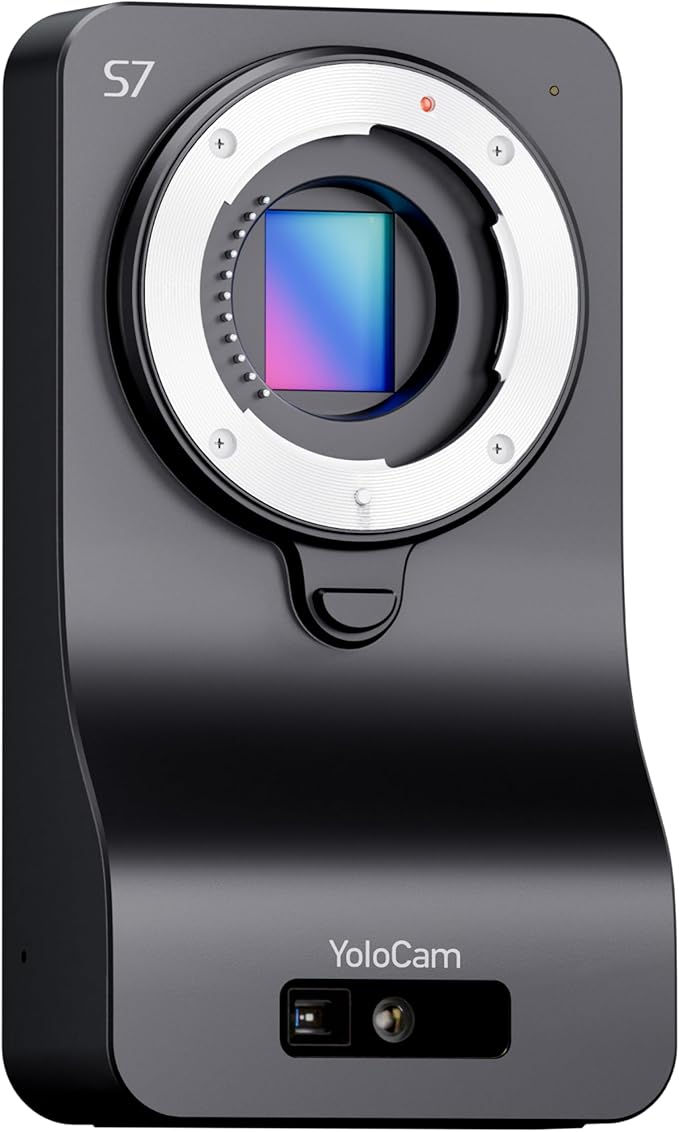
Main camera: YoloCam S7
- Micro Four Thirds sensor and Micro Four Thirds lens compatibility
- No built-in screen
- Powered by USB-C
- Outputs include USB and HDMI
- Built to stay locked into position for consistent filming
Why switch from a traditional camera?
- Frees a long-time workhorse camera (the Panasonic GH5 (Amazon)) for other shots and mobile use
- Keeps picture quality in a similar ballpark while shifting to a studio-ready workflow
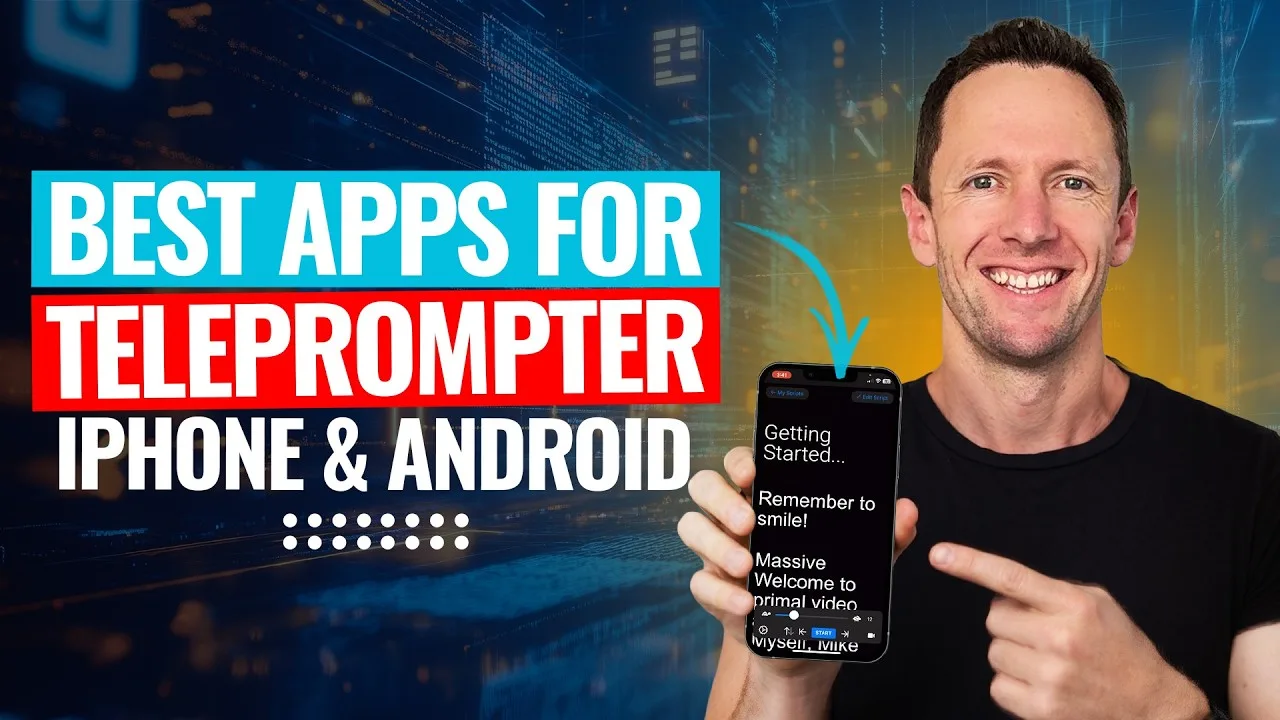
Teleprompter: the “stay on track” secret weapon
A teleprompter helps deliver clean takes without rambling or missing key points.
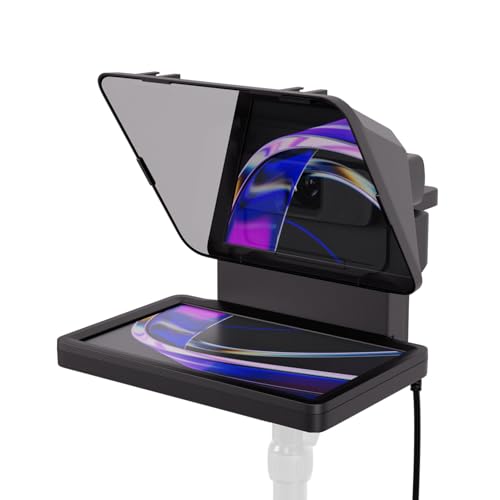
Teleprompter: Elgato Prompter
- Displays scripts, bullet points, and prompts directly in the eyeline
- Helps keep recordings tight and on-message
- Supports faster filming sessions when batching multiple videos
If staying focused is a problem, this is low-hanging fruit.
Extra cameras for flexibility (without slowing things down)
A studio can still support multiple content styles when everything stays easy to access.
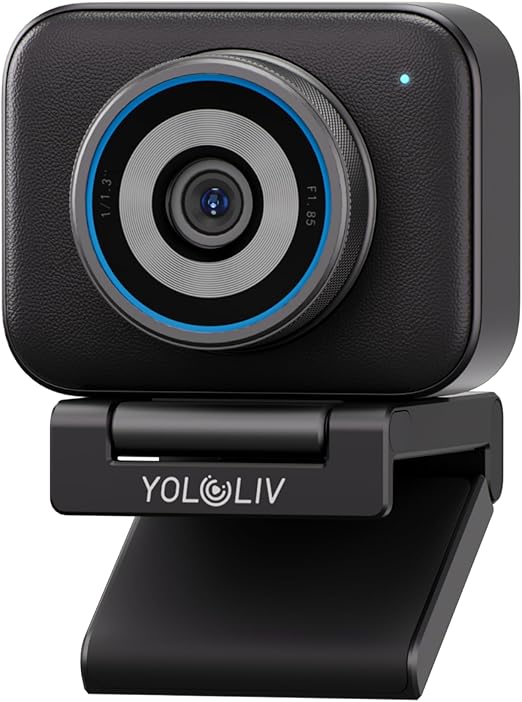
Secondary camera: YoloCam S3
- Webcam-style camera with strong picture quality
- Capable of producing plenty of content on its own without a big setup
Alternate angle camera: Panasonic GH5
- Kept ready for filming from a couch setup
- Moved into position only when needed
- Enables different content formats without tearing down the main desk rig
Microphones: desk audio + portable wireless
Audio is handled with two clear use cases: a primary desk mic and a go-anywhere wireless option.
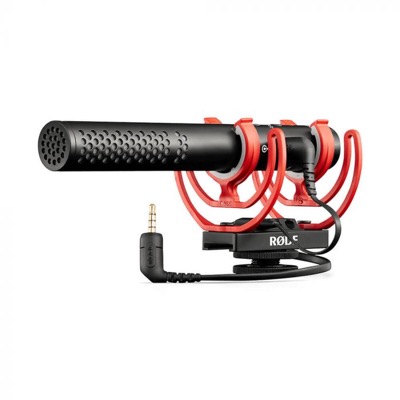
Main desk microphone: RØDE VideoMic NTG
This mic earns its spot because it’s versatile and simple.
Key benefits:
- Connects via USB-C to a computer, iPad, or phone
- Connects via 3.5mm to a camera
- Works for talking-head videos, interviews, podcasts, and on-camera shotgun use
A practical shift: the mic can sit in frame to keep placement easy and consistent. Done is better than perfect when it improves speed and repeatability.
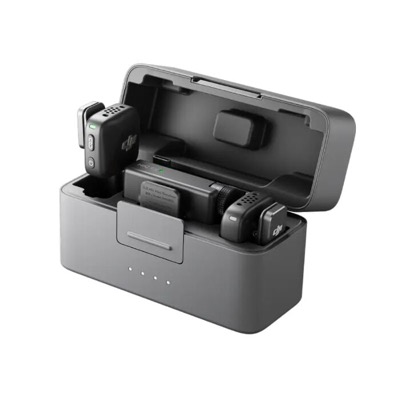
Portable wireless option: DJI Mic Mini
For phone-based recording and piece-to-camera content, this is the grab-and-go mic.
- Simple wireless setup
- Portable and backpack-friendly
- Strong bang-for-buck option compared to more pro-focused gear
Lighting: soft key light + smart control for consistency
Lighting centers on a soft primary source plus controllable room lighting to keep the scene consistent even when natural light shifts.
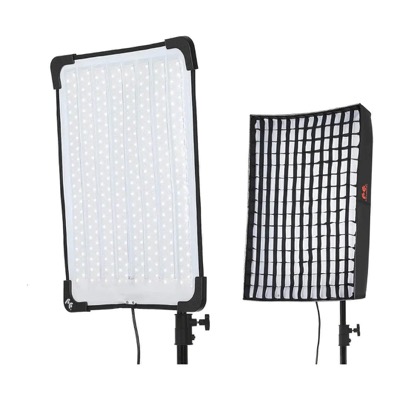
Main light: Falcon Eyes light
- Soft, diffused light used as the primary key
- A second Falcon Eyes (Amazon) light is mounted and can rotate for alternate setups like couch filming
A blunt note: Falcon Eyes lights can be expensive for what they are, and some newer alternatives may offer better value.
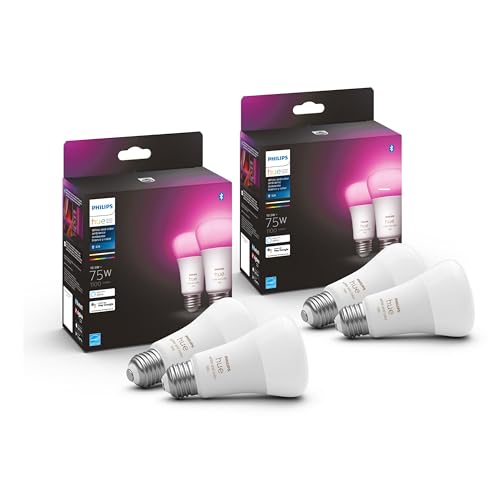
Ceiling and background lights: Philips Hue smart lights
- Individual Hue lights in the ceiling allow control over brightness and color
- Background Hue lights can change color to adjust the look quickly
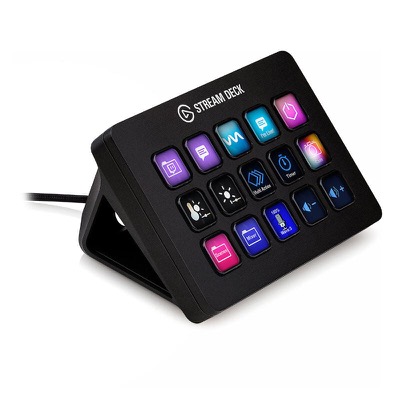
Control hub: Elgato Stream Deck
- Changes lighting settings fast without interrupting filming
- Maintains a consistent look when daylight changes
- Makes it easy to tweak the vibe between back-to-back recordings
This adds value through consistency: better viewer experience and less time fiddling.
The computer and recording workflow: skip the SD card drama
Recording directly into the computer avoids SD cards and battery juggling.
Laptop: MacBook Pro (M5 Max, 128GB)
- Heavily specced and overkill for most people
- Useful for stress-testing editing software and AI tools
Direct-to-computer recording benefits
- No SD cards to swap
- No battery management
- Faster “sit down and shoot” flow
- Faster turnaround when paired with the right recording/editing software
Editing and team handoff: recording straight into Descript
Recording directly into Descript removes file-management friction and speeds up collaboration.
Why that matters:
- Recording uploads automatically while capturing footage
- Team members can access files quickly
- Editing can start sooner with AI tools helping speed up the process
This approach shifts away from traditional editing software such as:
Redundancy and backup recording: the YoloBox Extreme safety net
Backup recording protects against reshoots and lost time.
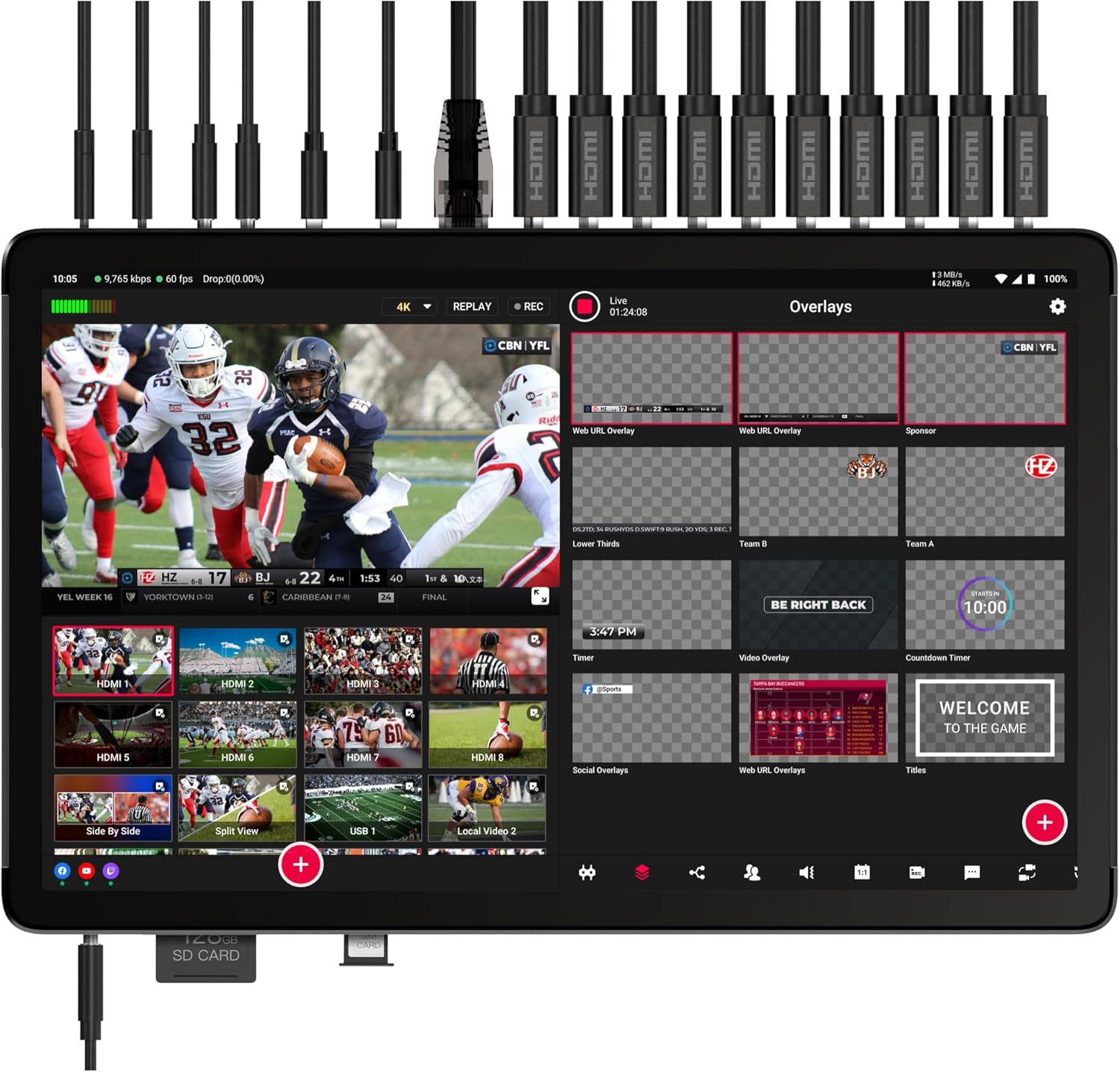
Live switcher/recorder: YoloBox Extreme
- Routes the camera feed to the computer
- Monitors audio levels live
- Can bring in and mirror a computer screen for screen-recording workflows
- Records separate inputs (camera, screen, audio) as separate 4K video files
Why it matters in practice:
- Software recording can get buggy
- Recordings can stop halfway without warning
- Files can become corrupt
- Cameras without onboard recording need an external backup option
Is it overkill? For most people, yes. For businesses that rely on YouTube as a tool, the peace of mind can be worth it.
Build a setup like this (without overcomplicating it)
- Lock in one main filming position and keep it permanently ready. Mount the camera, keep power connected, and avoid moving parts unless there’s a real payoff.
- Put scripts and bullet points in a teleprompter to stay on track. Use it to batch multiple videos without drifting off topic.
- Choose one primary microphone and make it easy to place every time. If leaving it in shot means faster setup and better consistency, that’s a solid 1% improvement.
- Control lighting with repeatable presets. Smart lights plus a Stream Deck-style controller can save loads of time when conditions change.
- Add redundancy if reshoots would be a disaster. A separate backup recording can save a project when software glitches hit.
Get it all running smoother, starting today
Speed comes from reducing setup steps, not from buying random gear. Lock in a studio-first camera workflow, keep audio dead simple, and make lighting adjustments quick and repeatable. Add a backup recording plan if failed recordings would cost serious time. Keep refining with small 1% improvements as content demands grow.