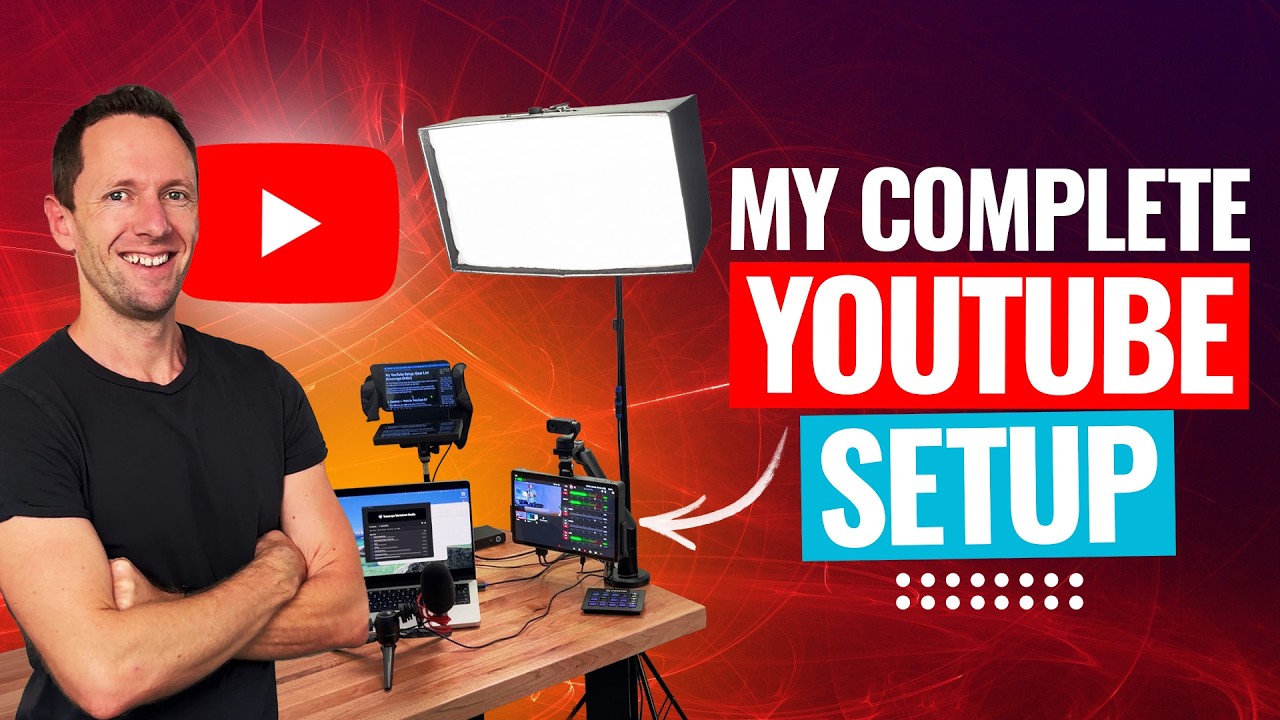
Here’s how to start a podcast on YouTube! In this complete guide to podcasting on YouTube, we’ll share everything you need to know about video podcasting for YouTube Podcasts.
Below is an AI-assisted summary of the key points and ideas covered in the video. For more detail, make sure to check out the full time stamped video above!
How To Start A YouTube Podcast
Starting a podcast on YouTube involves simple steps that maximize video podcasting potential. This guide covers podcast setup, gear, recording, editing, and publishing your first episodes. There’s an optional final step that is essential for reaching a greater audience!
Planning Your Podcast
- Audience Identification: Determine who you want to reach. Podcasts can target niche audiences.
- Title Creation: Choose a simple, unique, and easily searchable title.
- Description Writing: Include target audience, benefits of listening, and what makes you credible in the description. Keep it concise and engaging.
- Cover Art: Create a high-resolution, square thumbnail with the title and a simple image. Canva is a useful tool for this.
Necessary Podcasting Gear
- Microphone: Good quality audio is crucial. Consider beginner-friendly podcast microphones.
- Camera: Use a webcam, smartphone, or DSLR. Ensure it records at least 1080p resolution.
- Lighting: Natural daylight or simple lighting setups improve video quality.
- Mounting Equipment: Use tripods for stable recordings.
Episode Planning
- Brainstorm Topics: Generate 20 episode ideas before starting.
- Research Titles: Use tools like AnswerThePublic or TubeBuddy to find searchable topics.
- Multiple Episodes: Launch with at least three episodes to engage new listeners.
Podcast Recording Software
- Solo Podcasts: Descript for recording and editing.
- Remote Guests: Use tools like StreamYard, Riverside.fm, or Descript’s SquadCast for high-quality recordings.
Podcast Editing Software
- For Podcast Editing: Use Descript with features like text-based editing.
Steps To Publish Your YouTube Podcast
- Create a YouTube Channel: You can follow along to this tutorial if needed.
- Upload Process: Go to YouTube Studio, create a new podcast, and fill in details (title, description, visibility, thumbnail).
- Add Videos: Upload new videos or add existing ones to your podcast playlist.
- Optimize Settings: Ensure each episode has an engaging title, description, and custom thumbnail.
- Share Your Podcast: Use shareable links from YouTube Studio for promotion.
Final Step
- Pro Tip: Upload your podcast to a separate podcasting host to reach platforms like Spotify and Apple Podcasts.
Conclusion
Starting a podcast on YouTube is straightforward with the right planning, gear, and software. By following these steps, you can create engaging content and reach a wider audience. Maximize your reach by also distributing your podcast on popular audio platforms.